Connecting Calendly
Your agent offers the slots your Calendly booking page offers, and books into a chosen event type. Invitees get the Calendly confirmations and reminders they always have. It can also reschedule.
Before you start
Section titled “Before you start”- A paid Calendly plan — phone booking uses Calendly’s API.
- Callspace books through one provider at a time. Disconnect Google Calendar, Jobber, Juvonno, or Cliniko first, or Connect Calendly is replaced by a note naming the active provider.
Connect it
Section titled “Connect it”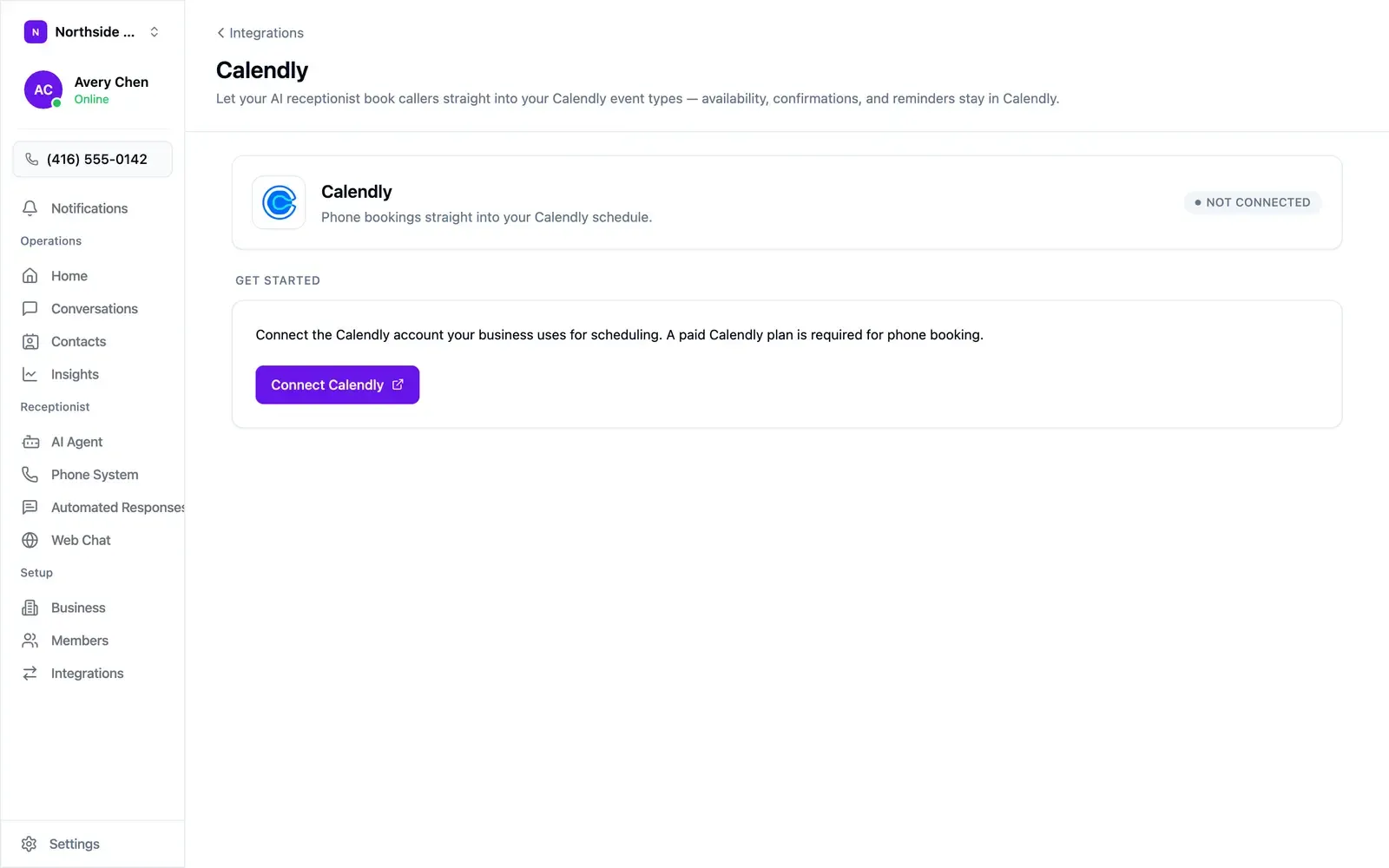
- Open Settings → Integrations and choose Configure on the Calendly tile.
- Choose Connect Calendly, sign in, and authorise Callspace.
- You land back on a screen showing the connected account’s email and the access granted.
Pick the event type
Section titled “Pick the event type”Booking turns on once an event type is chosen — this step is easy to miss.
- Open AI Agent → Booking & Calendar.
- Under Event type the AI books, pick one from the dropdown. Each option shows its length, so “New client consultation (30 min)” is easy to tell from “Quick call (15 min)”.
- Turn on Enable Phone Booking.
Each team picks its own event type, so a sales line and a support line can book different things.
What Calendly controls
Section titled “What Calendly controls”With Calendly connected, the Booking screen hands these to the event type:
- Availability — your Calendly schedule, including date overrides and buffers.
- Duration — the event type’s length.
- Confirmations and reminders — sent by Calendly to the invitee.
Change any of them in Calendly. Your agent picks the change up on the next call.
Who’s responsible for what
Section titled “Who’s responsible for what”- Callspace — the connection: keeping the authorisation secure and sending only the data listed below.
- You — choosing Calendly, your Calendly account and its terms, and the data you set the integration to send: the event type the agent books into and whether phone booking is on.
What Callspace sends to Calendly
Section titled “What Callspace sends to Calendly”- When you connect — a request for the connected account’s profile.
- When you pick an event type — a request for your active event types.
- When your agent checks availability — the event type and the dates the caller asked about. No caller details.
- When your agent books — the event type, the chosen time, the caller’s name
and email as given on the call, the timezone, and a tracking tag with
utm_source=callspaceand the Callspace conversation ID. - When your agent reschedules — a new booking with the same details, then a cancellation of the old event with the reason “Rescheduled by phone via Callspace”.
- When you disconnect — a request to revoke Callspace’s access.
The caller’s phone number, call recordings, transcripts, and summaries stay in Callspace.
Test it
Section titled “Test it”Call your own number and book as a customer would. Check that the slots offered match your Calendly booking page, that the event appears on the right calendar, and that the invitee confirmation arrives.
Disconnecting
Section titled “Disconnecting”On the Calendly screen, choose Disconnect. Your agent stops booking. Your Calendly account, event types, and scheduled events stay as they are.