Setting up Callspace
Setup ends with a working phone number that answers calls. The first screen decides which path you take.
Start with your website, or without one
Section titled “Start with your website, or without one”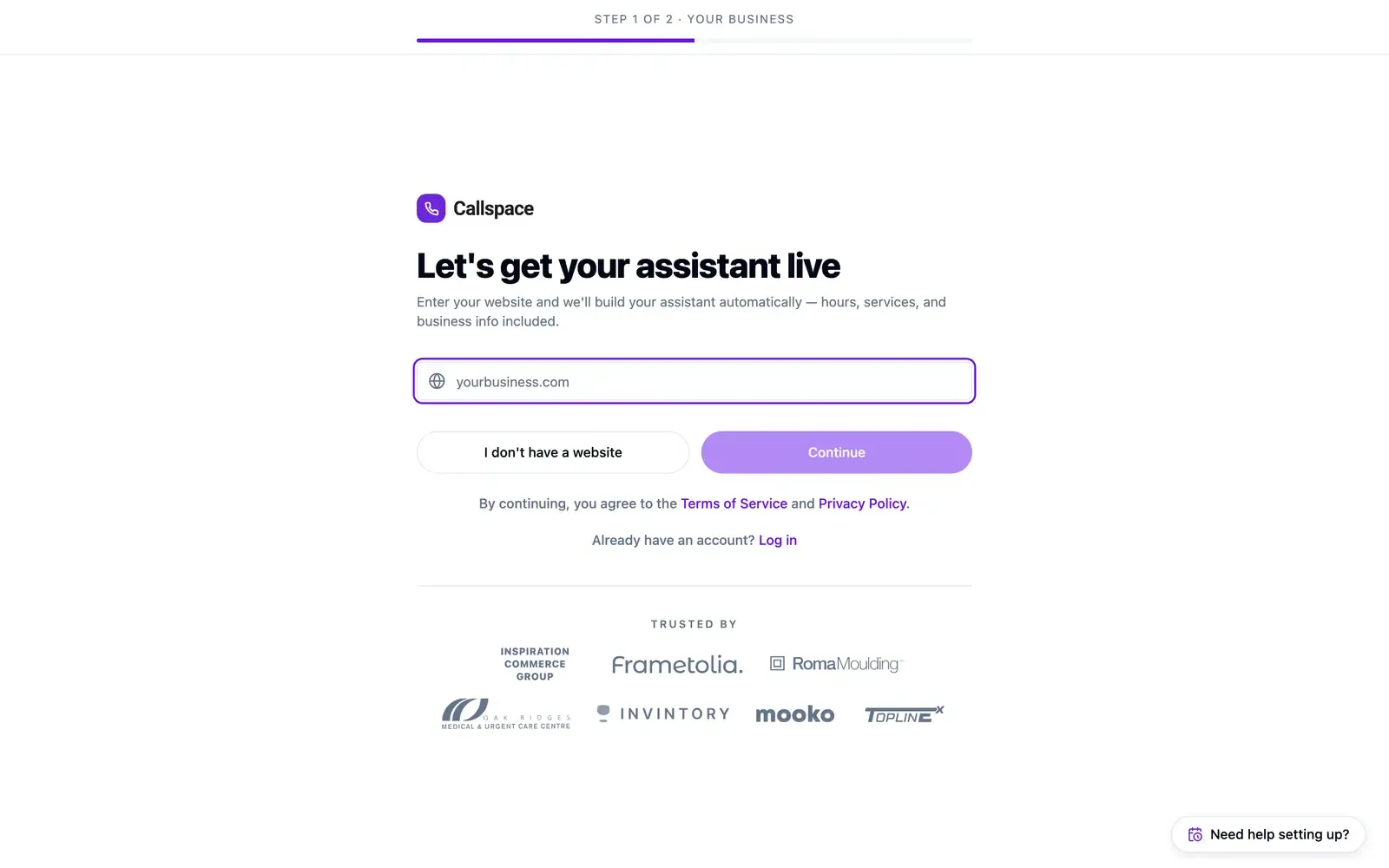
- With a website — enter it and choose Continue. Callspace reads your public pages to fill in your services, hours, and business details. Two steps.
- Without one — choose I don’t have a website for a four-step path where you answer the same questions yourself.
Either way you create your account before anything is provisioned.
The four questions
Section titled “The four questions”Every answer stays editable in Settings afterwards.
Your business name
Section titled “Your business name”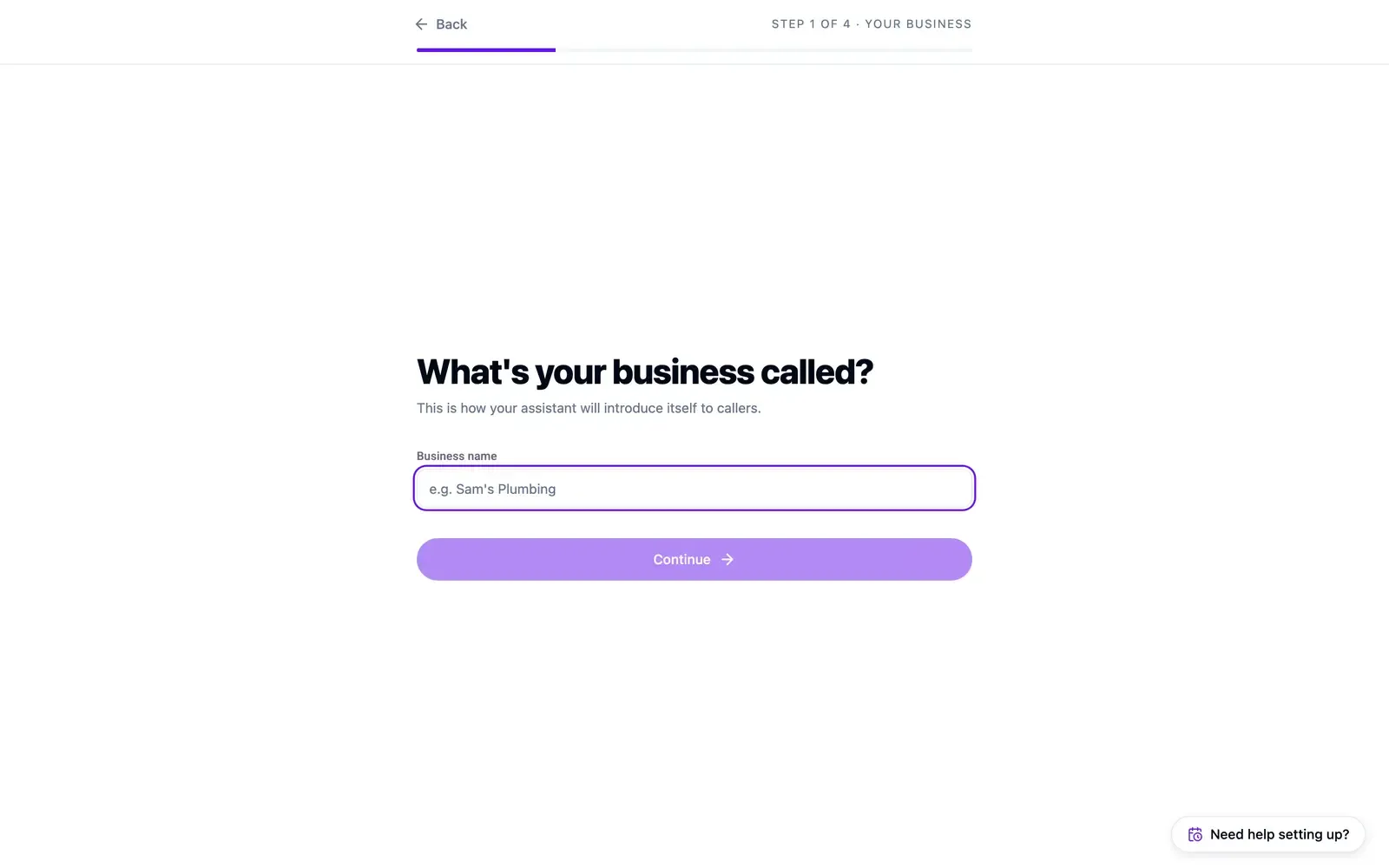
Your agent says this out loud, so write it the way it should be spoken: “Northside Plumbing and Heating” over “Northside Plumbing & Heating Ltd.”
Your location
Section titled “Your location”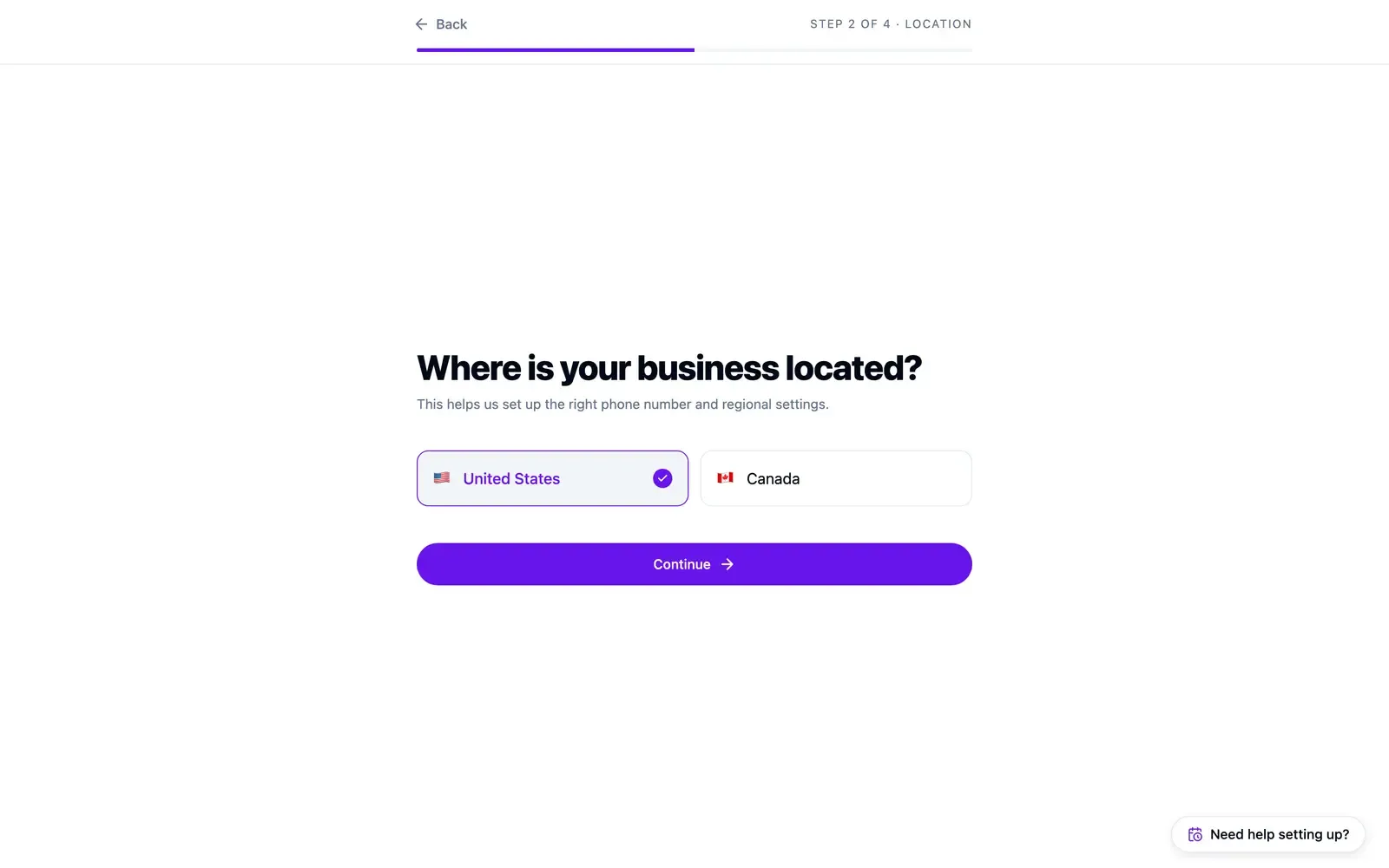
The United States or Canada. Sets your regional defaults and where your phone number comes from.
Your industry
Section titled “Your industry”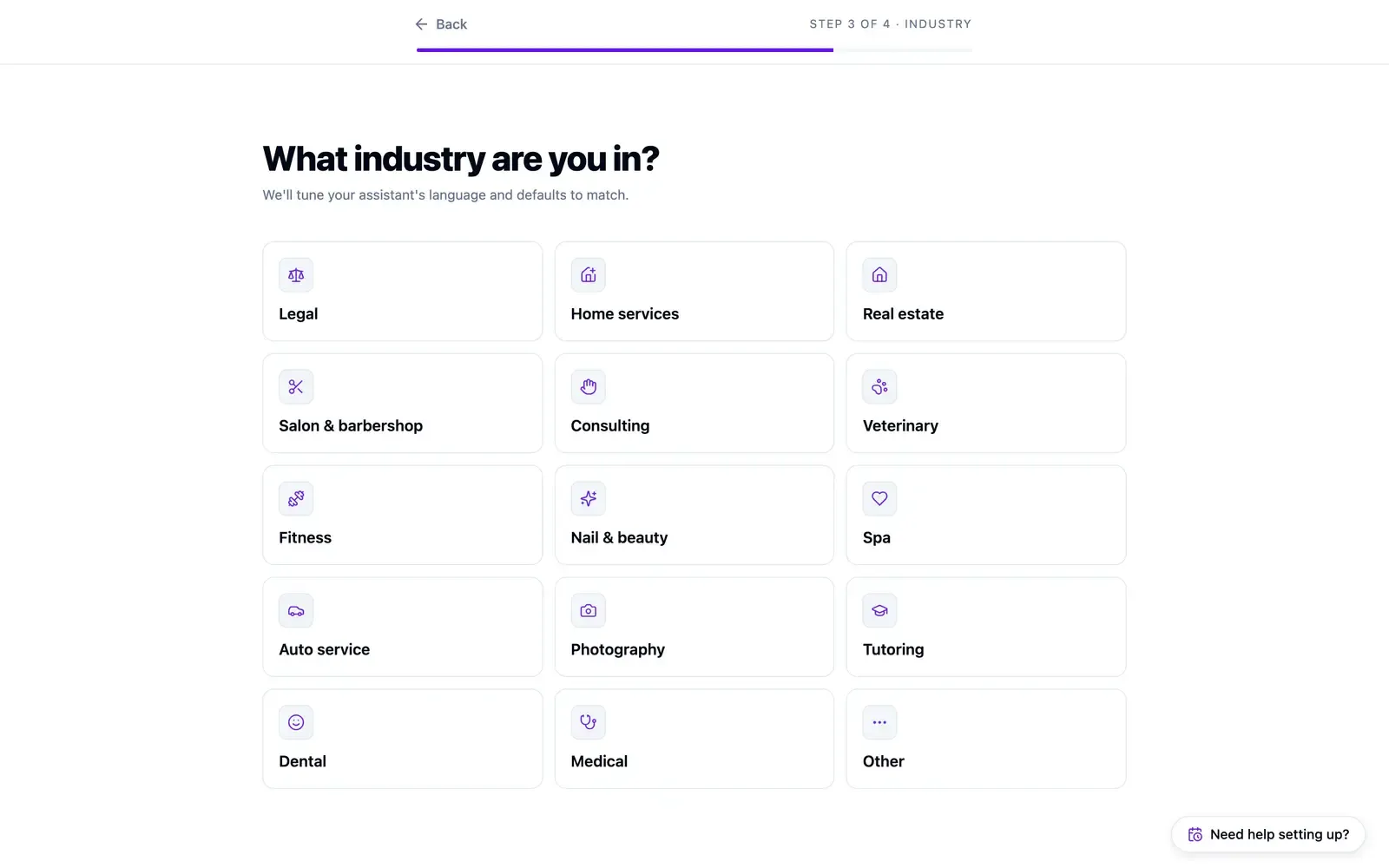
The closest match — legal, home services, real estate, salon and barbershop, consulting, veterinary, fitness, nail and beauty, spa, auto service, photography, tutoring, dental, medical, or Other. It tunes the language and defaults your agent starts with.
Your area code
Section titled “Your area code”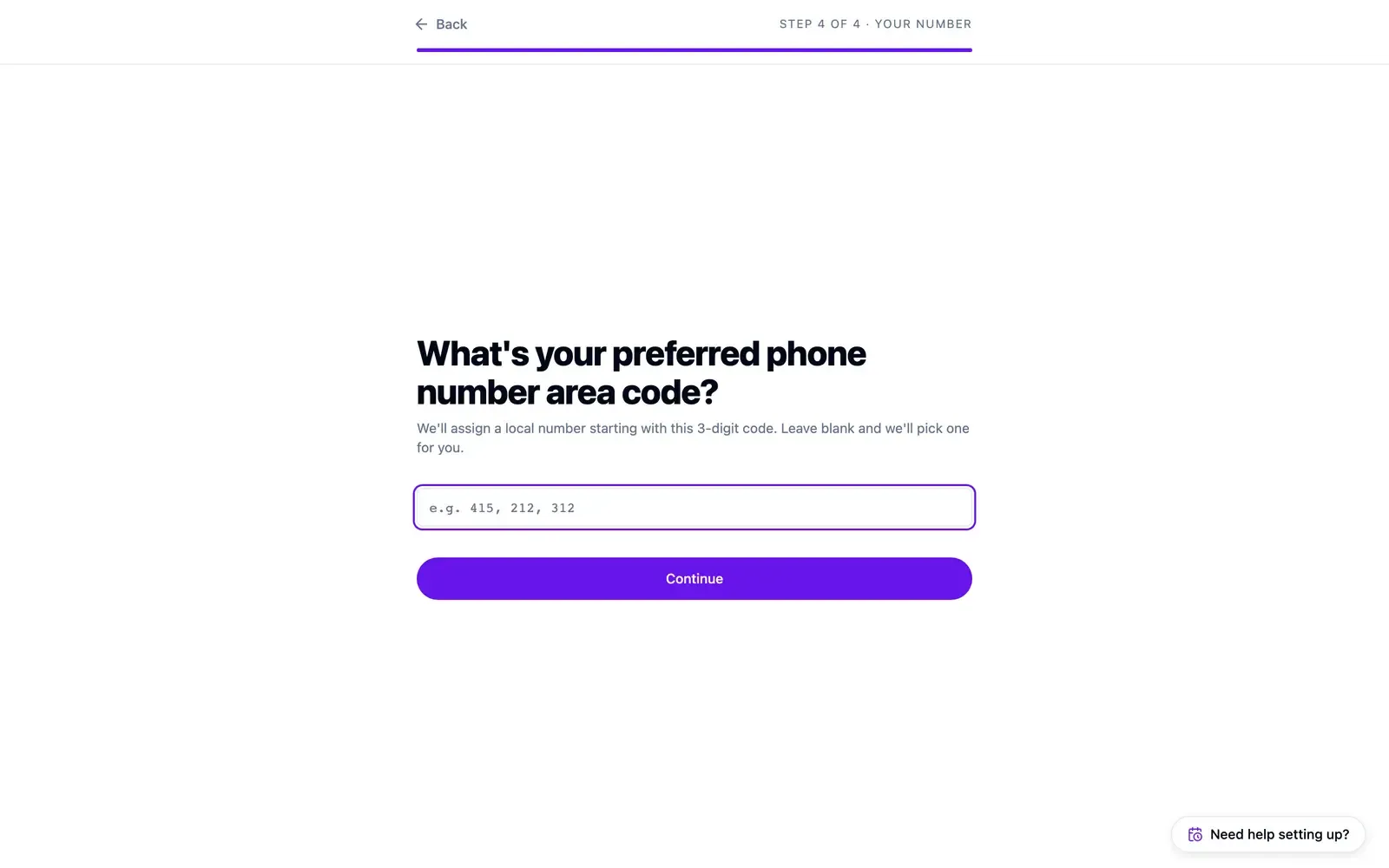
The three-digit code you’d like your number to start with, so it looks local. Leave it blank and Callspace picks one.
Going live
Section titled “Going live”Callspace provisions your number, creates your AI assistant, and switches it on. The confirmation screen shows your new number, a Play greeting button, and a link into the dashboard.
Call the number first. It’s the fastest check on your greeting and business details.
Your first look at the dashboard
Section titled “Your first look at the dashboard”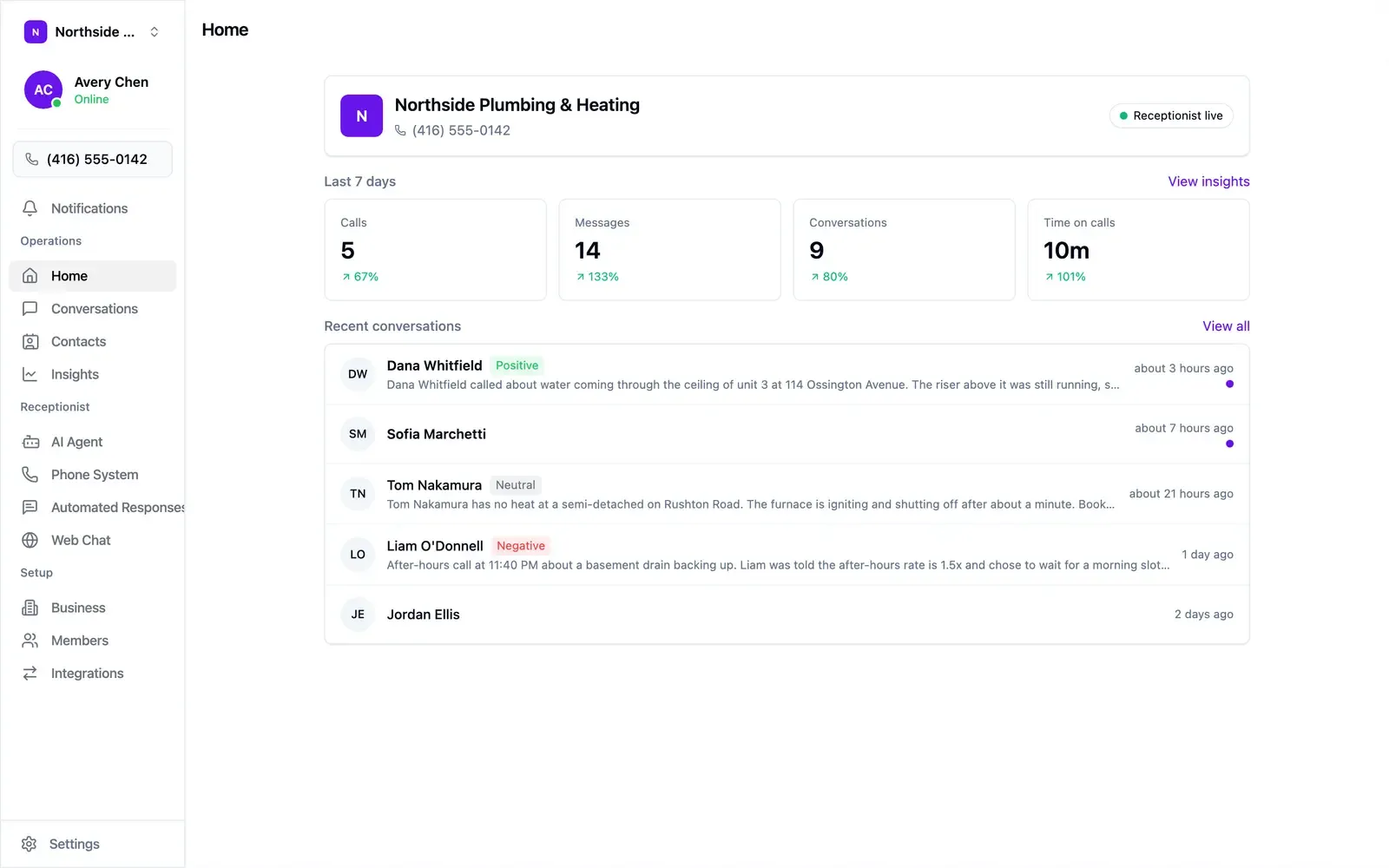
Home shows your last seven days — calls, messages, conversations, and time on calls — with recent conversations underneath. Your test call is already there, summarised.
Two things worth doing on day one:
- Check what your agent knows. Open Business and read the About and Business Hours fields. See Teaching your agent about your business.
- Set your greeting and voice. Open AI Agent → Voice & greeting. See Configuring your AI agent.
Forwarding your existing number
Section titled “Forwarding your existing number”To keep advertising the number you already have, forward it to your Callspace number in your current carrier’s call-forwarding settings. Your agent answers calls placed to your original number.