Inviting your team
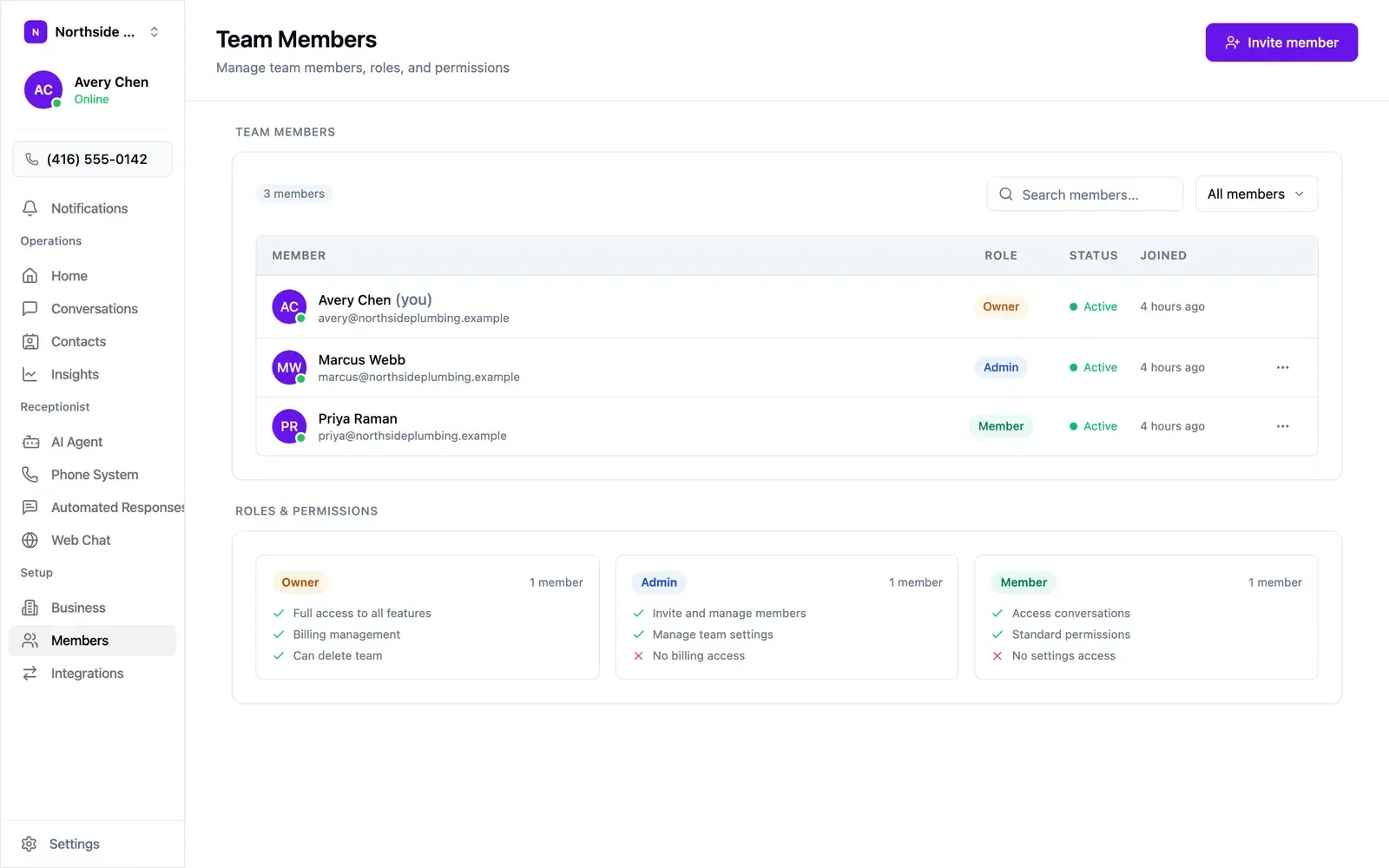
Open Members in the sidebar and choose Invite member. Invitees get an email and appear in the list once they accept. The list shows each person’s role, whether they’re active, and when they joined; the ⋯ menu on a row changes a role or removes someone.
The three roles
Section titled “The three roles”| Role | Can do |
|---|---|
| Owner | Full access to all features, billing management, can delete the team |
| Admin | Invite and manage members, manage team settings — no billing access |
| Member | Access conversations, standard permissions — no settings access |
- Member — the default for anyone working the inbox: front desk staff, technicians, anyone answering customers.
- Admin — the one or two people who own how the agent behaves. Every Admin can change the greeting, the rules, and the phone settings.
- Owner — billing. Keep it with whoever pays for the account.
Agent settings are shared and take effect on the next call, with no approval step. Where several Admins make changes, agree on who owns what.