Call tags
Your agent tags each call with any of the built-in tags that apply. Custom tags add categories specific to your business.
Add a custom tag
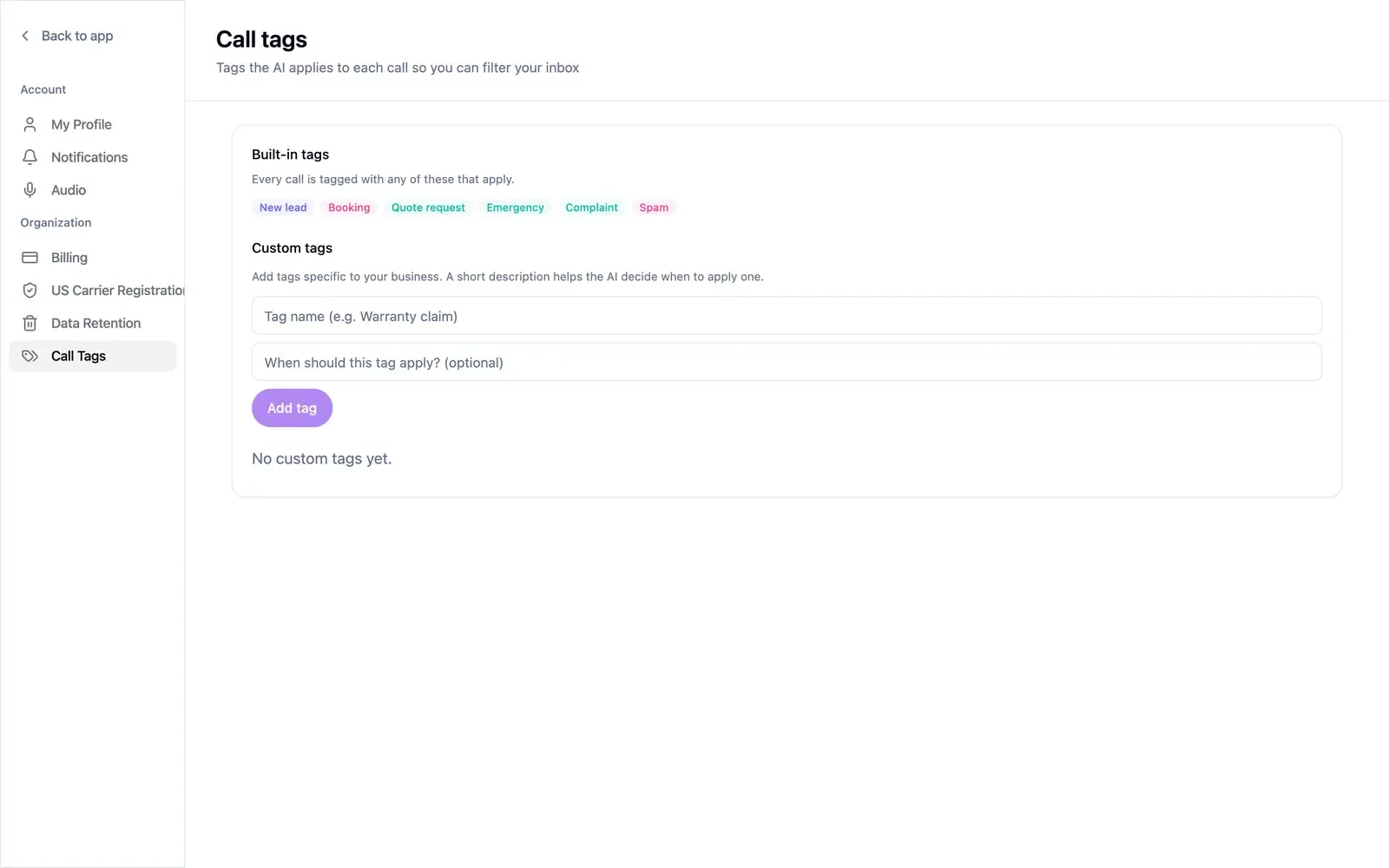
Section titled “Add a custom tag”Open Settings → Call Tags.
- Enter the tag name, up to 40 characters, such as “Warranty claim”.
- Optionally, describe when the tag applies, in up to 200 characters. The AI uses the description to decide, so be specific.
- Select Add tag.
Edit changes the name or description, and Delete removes a tag. Tags already on past calls stay where they are.
Filter Conversations by tag to review a category.