Two-factor authentication
Turn it on
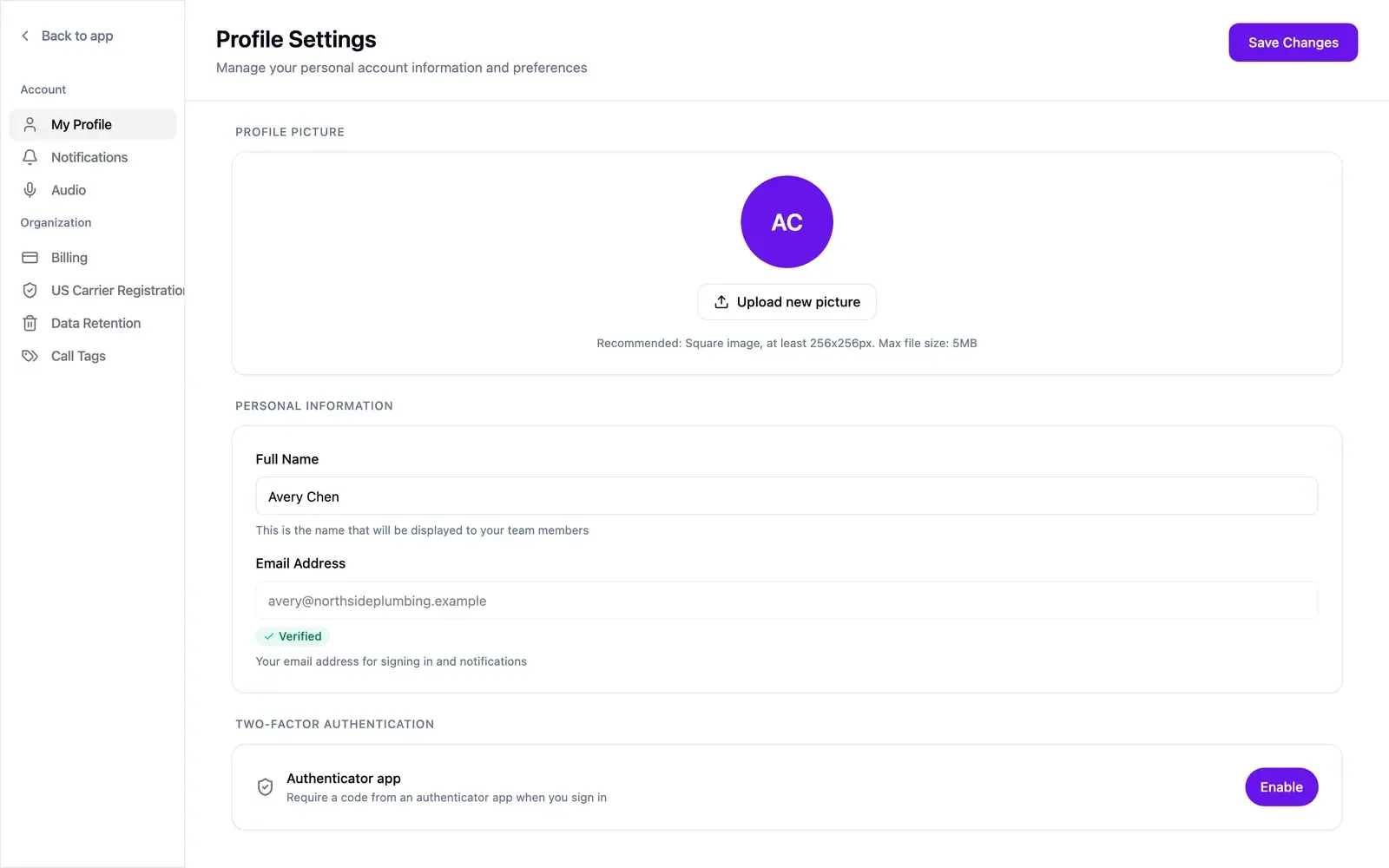
Section titled “Turn it on”- Open Settings → My Profile (Edit Profile on mobile) and find Two-factor authentication.
- Select Enable.
- Scan the QR code with an authenticator app.
- Enter the code the app shows.
- Save your backup codes.
If you close the setup before entering a code, two-factor stays off.
Turn it off
Section titled “Turn it off”Select Disable in the same place.