Compliance mode and the access log
Turn on compliance mode
Section titled “Turn on compliance mode”Open Settings → Business Settings and find Compliance. Switch on PHIPA / HIPAA compliance if your organization handles personal health information. Only admins can do this.
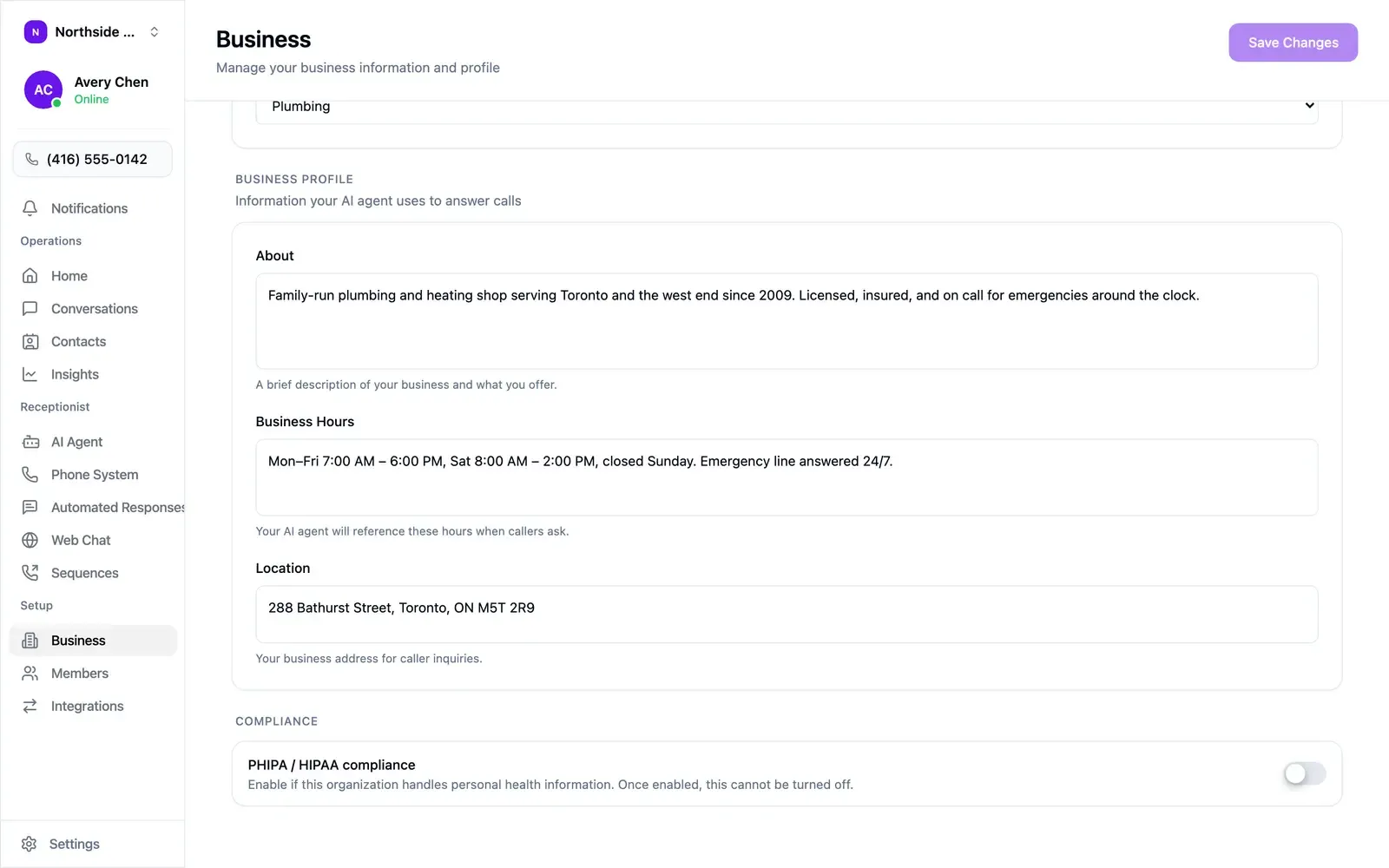
Compliance mode changes three things:
- Push notifications, summary emails, and summary texts stop including call and message details.
- Every access to that information is logged.
- Emails your agent sends are logged too.
Compliance mode is permanent. Once enabled it cannot be turned off.
Review the access log
Section titled “Review the access log”Settings → Access Log in the web app appears once compliance mode is on. Owners and admins can open it.
Filter by:
- Person — everyone, or one member.
- Action — opened, browsed, changed, or deleted a record; exported the log; or sent by email, SMS, WhatsApp, push notification, a connected app, or a service provider.
- Record type — conversations, calls, contacts, or the access log itself.
- Period — last 24 hours, 7, 30, or 90 days, or all time.
Select Export CSV to download the filtered log. The export is recorded in the log as well.