Notifications
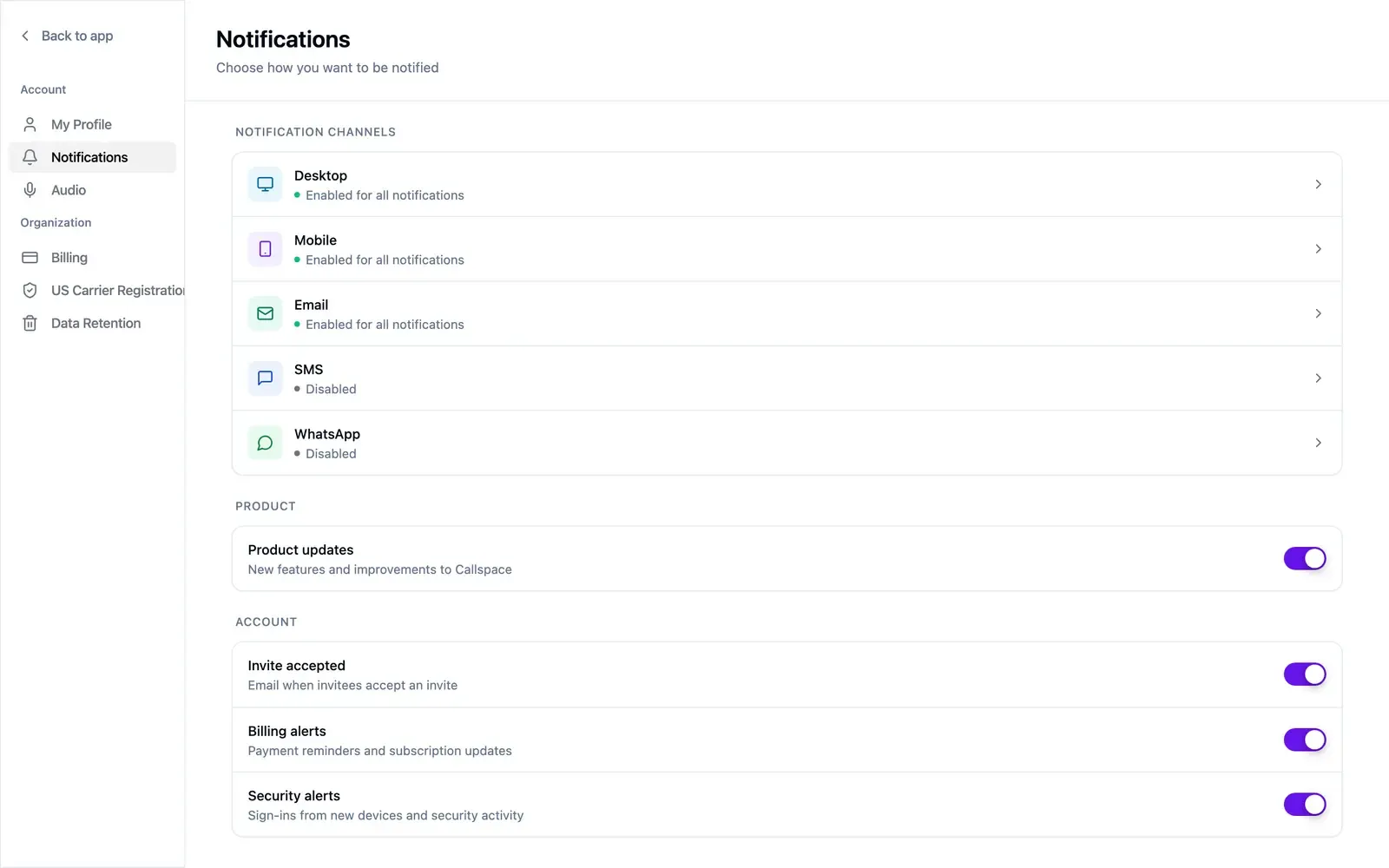
Open Settings → Notifications. These preferences are yours alone — your teammates set their own.
Channels
Section titled “Channels”Desktop, Mobile, Email, SMS, and WhatsApp. Each shows its current state in the list and opens to a screen where you pick which events use it. Desktop, Mobile, and Email cover all notifications by default; SMS and WhatsApp start off.
A split that tends to hold up:
- Mobile push for anything needing a response now — an unanswered transfer, a customer reply while you’re out.
- Email for the daily record you’ll skim later.
- SMS for very little: it competes with your customers’ texts.
Getting too much? Narrow which events use a channel before switching the channel off.
Product and account notices
Section titled “Product and account notices”- Product updates — new features and improvements.
- Invite accepted — email when someone accepts your invitation.
- Billing alerts — payment reminders and subscription updates.
- Security alerts — sign-ins from new devices and other security activity. Leave these on: they’re how you hear about a sign-in that wasn’t you.