Emailing callers
Your agent confirms the caller’s email address on the call, then sends the details they asked for: your address, your hours, appointment details. It sends one email per conversation, and replies go to your team.
Turn it on
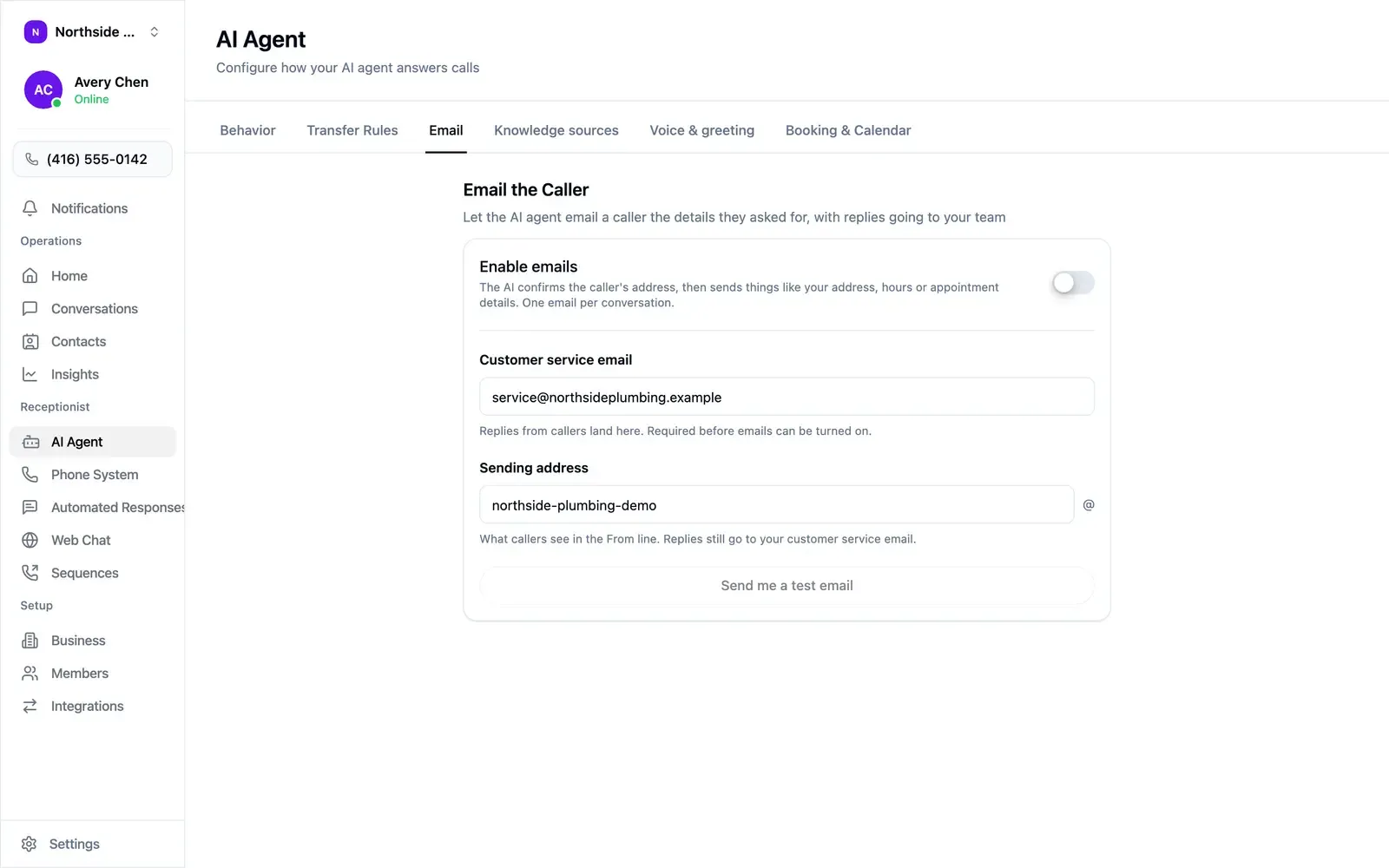
Section titled “Turn it on”Open AI Agent → Email.
- Enter your Customer service email. Replies from callers land here, and it is required before you can switch emails on.
- Optionally change the Sending address, which is the From line callers see.
- Switch on Enable emails.
- Select Send me a test email to see what a caller receives.
Compliance mode
Section titled “Compliance mode”With compliance mode on, emails may carry health information, so every send is recorded in the access log.