VCPR Safe Scripts for Veterinary Phone Answering in Canadian Clinics
Practical playbook for Canadian clinic managers: VCPR safe scripts, a 5 step pilot checklist, and tech checks to stop abandoned calls.

Most veterinary clinics do best with a hybrid approach: trained in-house staff handling daytime calls, backed by automated or remote overflow and after-hours answering. This combination keeps a veterinarian in the loop for clinical judgment calls, delivers round-the-clock coverage and appointment booking, and keeps patient history intact through practice management integrations. Skip to the implementation checklist below if you want to move straight to action.
TL;DR:
- Automated and remote answering tools are most effective for high-volume, after-hours, or emergency calls, reducing abandoned calls and improving response times.
- Practice management integration is critical so booked appointments and patient history update automatically, ensuring accurate scheduling and clinical context.
- Emergency calls require immediate triage with clear pathways to route urgent symptoms directly to a veterinarian, and all such calls must be documented thoroughly.
- Training scripts and ongoing tracking of answer rates, call abandonment, and appointment conversion are essential to optimize the phone-answering system.
- Hybrid setups that combine human judgment with automation help maintain clinical context and prevent losing clients due to over-reliance on outsourced or automated solutions.
Table of Contents
- Types of veterinary phone answering solutions
- What to check before picking a vendor or tool
- VCPR rules and teletriage limits for phone calls
- Scripts and tactics that turn calls into booked visits
- Rolling out a new phone answering setup without disruption
- Handling emergency calls through your phone system
- Frontline lessons for clinic managers weighing phone options
- How Callspace fits into your phone answering strategy
- FAQ
- Sources
Types of veterinary phone answering solutions
Clinics typically choose from four categories, each suited to a different call volume and staffing reality.
- In-house reception: your own trained staff answer calls during business hours; best for clinics with steady volume and the budget for full-time coverage, but calls go unanswered when staff step away or after hours.
- Outsourced human answering: a third-party call center takes calls on your behalf; works well for overflow during busy mornings but often lacks deep familiarity with your patients or protocols.
- Virtual or remote receptionist: a dedicated remote employee answers using your scheduling system and scripts; a middle ground that preserves personal touch without the overhead of an on-site hire.
- AI or automated voice assistant: software answers instantly, books appointments, and routes urgent calls; strongest for after-hours and high-volume overflow, weakest when a caller needs nuanced clinical judgment.
A single-vet practice with light call volume might get by with in-house staff alone. A multi-doctor hospital fielding hundreds of calls daily, with frequent after-hours emergencies, usually needs at least one automated or remote layer to avoid abandoned calls.
What to check before picking a vendor or tool
Before committing to any phone answering option, work through these technical and workflow requirements in order.
- Practice management integration: confirm the tool can read and write to your practice management software, not just view it, so a booked appointment actually appears on your real schedule with the patient’s history attached.
- Two-way texting and missed-call text-back: these recover callers who hang up before reaching a person, turning a missed call into a booked visit instead of a lost client.
- Call transcription and summaries: transcripts let you verify what was said, support recordkeeping, and give staff a quick way to review a call without replaying audio.
- Warm transfers and escalation workflows: test whether the system can hand off a call to an on-duty veterinarian with context intact, rather than making the caller repeat everything.
- After-hours handling, failover, and number porting: verify the vendor supports porting your existing number, has a documented plan for outages, and meets E911 requirements for your call routing.
Pro Tip: Call your own clinic’s main line after hours and time how long it takes to reach a real answer; if it’s longer than a minute, that gap is where clients are abandoning calls.
VCPR rules and teletriage limits for phone calls
Canadian veterinary regulators are clear that phone and other virtual contact can support care, but they do not replace the judgment a Veterinarian-Client-Patient Relationship requires. The College of Veterinarians of Ontario’s standard notes that a VCPR can form electronically, but it needs an intentional conversation and agreement on scope of services, meaning a staff member booking an appointment does not, by itself, create that relationship. The CVMA’s position on virtual veterinary care recognizes telephone contact as one tool within virtual care, provided it complements rather than replaces in-person medicine.
- Automated systems can book appointments, answer routine questions, and collect intake details.
- Only a veterinarian should give clinical advice, adjust medications, or confirm a diagnosis over the phone.
- Document every call that touches clinical reasoning, including prescription refill requests.
Provincial guidance from the College of Veterinarians of British Columbia stresses that “recent and sufficient” knowledge of a patient depends on the case, so refill decisions and clinical calls need documented reasoning, not just a quick yes. Any call mentioning collapse, difficulty breathing, or suspected poisoning should route to an on-call vet immediately and get logged as an urgent contact.
Scripts and tactics that turn calls into booked visits
A consistent opening script sets the tone for the entire call: greet the caller, confirm the pet’s and owner’s names, ask a brief triage question, then state the next step clearly. Repeating the client’s and pet’s names a couple of times during the call, rather than treating it as a transaction, measurably improves how callers perceive the interaction according to frontline veterinary call-handling advice.
- When a caller asks about price before anything else, pivot with a question about the pet’s age or symptoms; this steers price shoppers toward booking rather than comparison shopping, a tactic veterinary practice management writers recommend for capturing new clients.
- Keep on-hold messaging short, warm, and informative: mention hours, what to do if it’s an emergency, and that someone will be right with them.
- Avoid dead air; a caller left in silence for too long tends to hang up and call the next clinic on the list.
Pro Tip: Script the first fifteen seconds of every call word for word; that’s the window where most callers decide whether to stay on the line.
After rollout, track answer rate, abandoned call rate, and the share of calls that convert into booked appointments. These three numbers tell you faster than anything else whether your phone setup is working or quietly leaking clients.
Rolling out a new phone answering setup without disruption
Before testing any vendor, map your own call patterns: average daily volume, your busiest windows, and which practice management software you run. That baseline tells you what “better” actually looks like once you start piloting.
- Map your baseline: pull a week of call logs if you have them, noting peak hours and how many calls go unanswered.
- Run a pilot: test the integration end to end by creating an appointment through the vendor, confirming it lands correctly in your schedule with patient context, simulating a warm transfer to an on-duty vet, and checking that a transcript shows up for review.
- Measure service levels: track how quickly calls get answered and how often the vendor reaches a live person or correctly routes an escalation.
- Review contract terms: check clauses covering number porting, cancellation notice, and what happens during an outage before signing anything.
- Set a training cadence: agree on how often your team and the vendor review call transcripts together to catch gaps in scripts or escalation rules.
Pricing shapes vary by vendor, ranging from flat monthly subscriptions to per-call or per-minute billing; read the fine print on overage charges before committing to either.
Handling emergency calls through your phone system
Emergency calls need a different path than routine booking requests, and your phone setup should make that path obvious within the first few seconds of the call. A caller reporting a pet that’s collapsed, struggling to breathe, or possibly poisoned should never sit through the same menu or script as someone calling to confirm a vaccine appointment.
Build a short triage question into the opening of every call, whether a human or an automated assistant answers: ask what’s happening right now, not just why they’re calling. That single question lets staff or software sort calls into “routine” and “needs a vet now” almost instantly. Automated systems can flag keywords like collapse, bleeding, or ingestion and route those calls straight to a live person or an on-call veterinarian, but the handoff needs to preserve context so the caller doesn’t have to repeat themselves while their pet is in distress.

Document every emergency call the same way, noting the time, the symptoms described, and who the call was routed to. That record matters for continuity of care and for reviewing whether your escalation rules actually worked when it counted. If your after-hours coverage depends on a remote or automated layer, test the emergency path specifically, not just the booking flow, before you trust it with a real crisis call.
Frontline lessons for clinic managers weighing phone options

Hybrid setups tend to work because they match the right tool to the right moment: a person for judgment calls, automation for the three a.m. calls nobody wants to staff for. The most common mistake we see is clinics outsourcing everything to save money, then losing the clinical context that makes a VCPR meaningful.
Three places to start: run a one-week audit of your actual call volume and missed calls, pick a single quiet week to pilot any new tool before a busy season, and write down your escalation script before you need it, not after a close call teaches you the hard way.
— Sam
How Callspace fits into your phone answering strategy
We built our AI phone answering for veterinarians to cover the overflow and after-hours gaps this guide walks through, without replacing the judgment your front desk already provides.
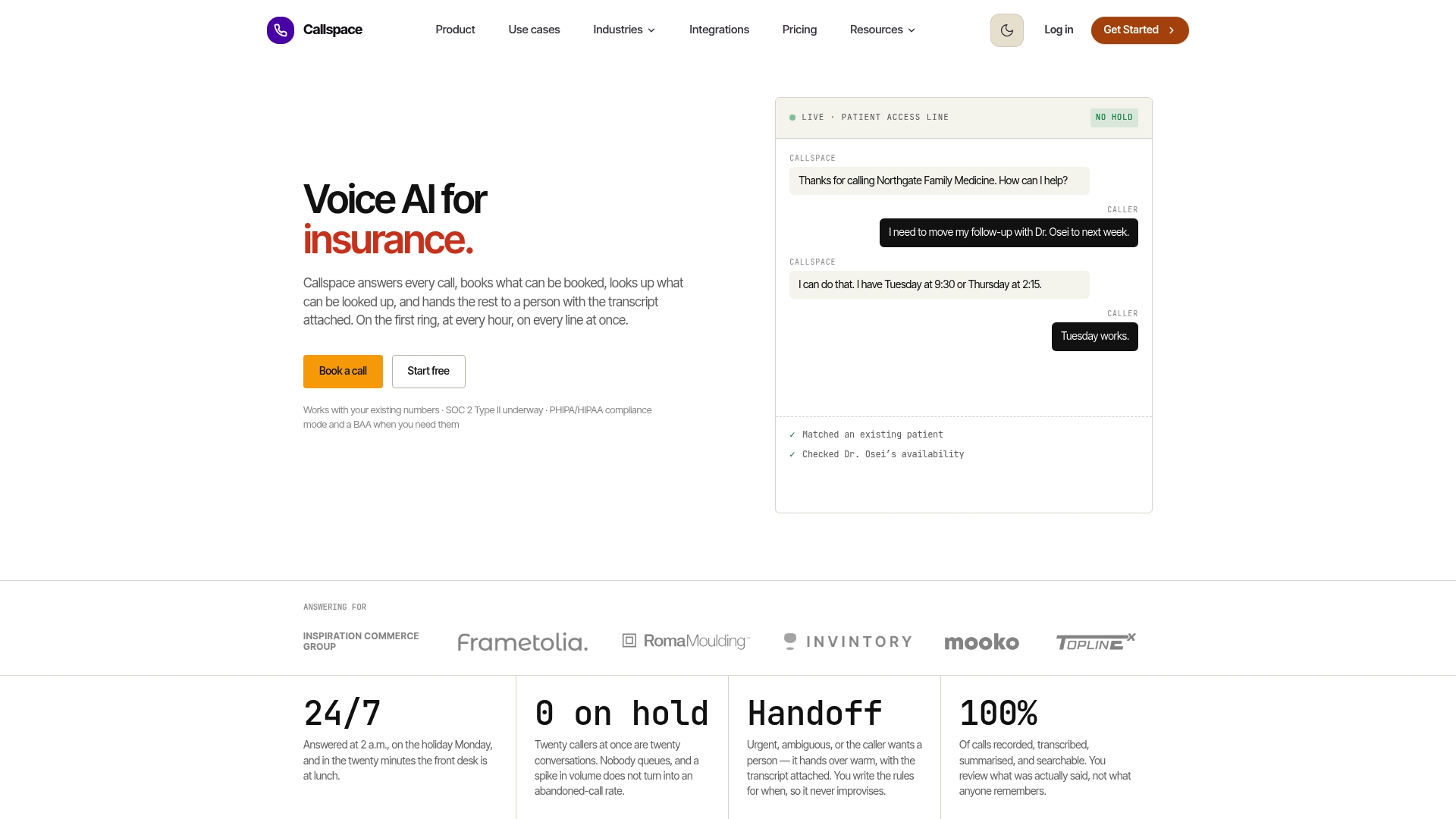
- Calls are answered promptly, appointments can be booked directly into calendars, and conversations are transcribed for review.
- Urgent calls are handed off to on-duty veterinarians with full context, so callers do not need to repeat themselves.
- We integrate with your existing calendar and systems, so testing us against the checklist above takes a single pilot call, not a system overhaul.
Check our Basic and Team plans to see which fits your clinic’s call volume, and start a pilot this week.
FAQ
What are veterinary receptionists called?
Most clinics simply call this role a veterinary receptionist or client care coordinator, and some larger hospitals use “client service representative.” The title varies by practice, but the job centers on answering calls, scheduling, and triaging client questions before they reach clinical staff.
Do emergency vets charge for a phone call?
Policies vary by clinic, so you’ll need to check directly with the practice or emergency hospital you’re calling. Many emergency clinics do not charge simply to answer a triage question, but some apply a consultation fee once advice crosses into clinical guidance.
Can I live chat with a vet online?
Some clinics and telehealth platforms offer live chat or video consultations, which the CVMA recognizes as part of virtual veterinary care alongside phone and email. Chat typically works best for non-urgent questions, since a true VCPR still requires an established relationship and appropriate follow-up.
What is the big 4 in veterinary medicine?
This phrase isn’t a standardized industry term, and its meaning varies depending on who’s using it, whether referring to corporate consolidators, specialty fields, or clinical disciplines. If you’ve seen it in a specific context, it’s worth checking that source directly rather than assuming a single definition applies.
Sources
- Virtual Veterinary Care (formerly Telemedicine) | CVMA
- Guide to the Professional Practice Standard: Veterinarian-Client-Patient Relationship (VCPR) | CVO
- Guide to the VCPR standard | CVBC
- Six tips for taking control of call-backs | Veterinary Practice News