Canadian Clinics: 6 Front Desk Tasks an AI Receptionist Handles
Clinic decision makers: a checklist on what an AI receptionist handles, how to choose one, a 2–4 week rollout, and compliance for Canada.
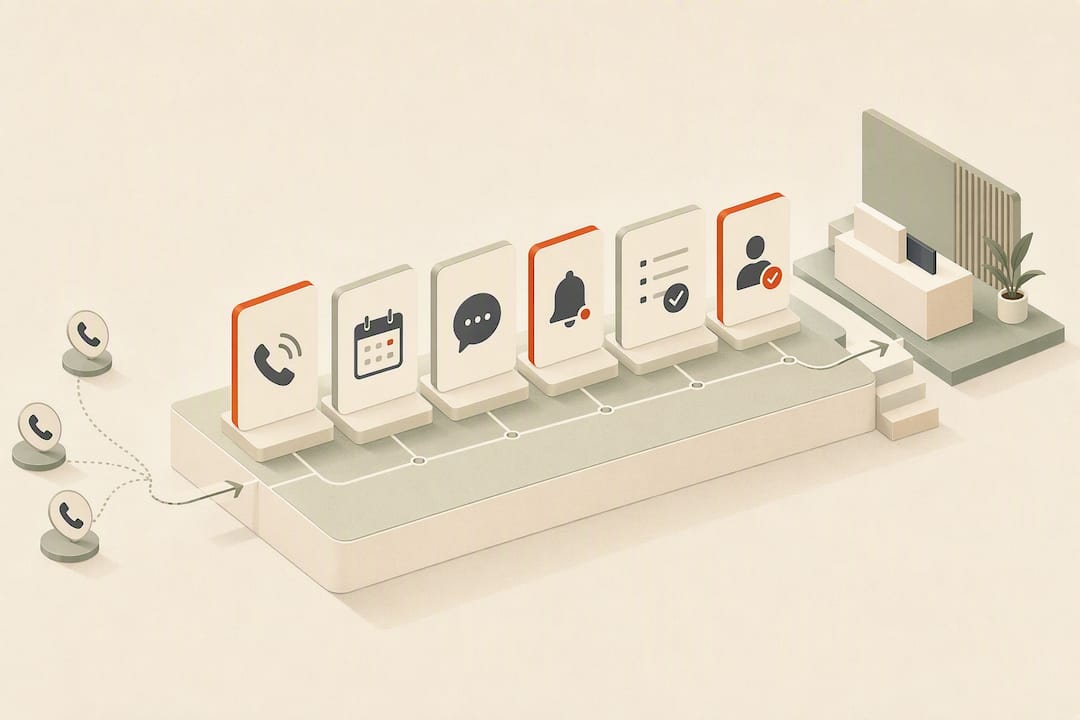
A healthcare AI receptionist answers every incoming patient call, books and reroutes appointments against your live schedule, and hands off anything clinical to staff with a real-time transcript attached. Industry data suggests 70 to 80% of clinic calls are routine, administrative requests, which is exactly the volume this technology is built to absorb. Look for signed BAAs, direct EHR integration, and a documented handoff process before you sign anything, and you’re covering the trust signals that separate a real deployment from a chatbot with a phone number.
TL;DR:
- Most clinics see significant reductions in call abandonment and no-show rates after deploying an AI receptionist that answers 24/7, books appointments, and manages reminders.
- The system mainly handles routine calls such as rescheduling or confirming appointments but should never provide clinical advice or interpret symptoms.
- Integration with EHR and scheduling platforms using standards like FHIR or HL7, along with verified compliance measures, are crucial for effective and secure implementation.
- Pricing varies based on call volume, clinic locations, and EHR customization, with typical setup timelines ranging from two to four weeks.
- Running pilots during slow weeks and measuring baseline call data helps ensure the AI system will deliver measurable improvements before full deployment.
Table of Contents
- Benefits for Clinics: What Changes When You Automate the Front Desk
- What Can an AI Receptionist for Healthcare Actually Handle?
- How Do You Choose the Right AI Receptionist for Your Practice?
- What’s the Implementation Timeline and Typical Cost?
- What Does the Evidence Say About AI Receptionists in Practice?
- A 30-Day Checklist Before You Commit to Anything
- How Callspace Handles the Healthcare Front Desk
- Sources
- FAQ
Benefits for Clinics: What Changes When You Automate the Front Desk
Your front desk staff didn’t take the job to spend four hours a day confirming appointment times. That’s the real cost of routine calls: not the calls themselves, but what your team isn’t doing while they handle them. When most incoming clinic calls turn out to be administrative, a receptionist tied up on hold-time management is a receptionist not helping the patient standing at the counter.
Clinics that deploy an AI medical receptionist typically track a handful of metrics to see if it’s working:
- Call abandonment drops because no patient sits on hold waiting for a live person.
- Booking capture rises since after-hours and lunch-break calls now get answered instead of routed to voicemail.
- No-show rates improve when automated reminders and rescheduling reduce the friction of changing an appointment.
- Front-desk staff reclaim hours previously spent on repetitive scheduling and intake questions.
Vendors including Sully report these as common outcomes of deployment, and they’re worth treating as an industry pattern rather than a promise. Compliance sits underneath every one of these gains. A benefit that exposes patient data isn’t a benefit, so any tool making these claims needs to show its compliance work, not just its call statistics.
What Can an AI Receptionist for Healthcare Actually Handle?
The honest answer is: most of what your front desk fields on a normal Tuesday, and none of what requires a clinical judgment call. Here’s the breakdown clinic managers actually need:
- Answers every call, 24/7. No hold music, no voicemail, no lost after-hours inquiries.
- Books, reschedules, and cancels appointments directly against your calendar in real time.
- Manages waitlists and sends reminders, cutting down on the no-show rate that eats into provider time.
- Collects intake information and runs basic insurance verification before the patient even reaches the exam room, a capability several vendors now build directly into their intake flow.
- Sends SMS confirmations so patients have a written record of their booking without a staff member typing one out.
- Transcribes in real time and transfers context to a human agent, so your staff isn’t asking a patient to repeat themselves.
What it won’t do, and shouldn’t: give medical advice, interpret symptoms, or make a clinical call about urgency. A well-built system has explicit escalation thresholds that route anything resembling a clinical or urgent complaint straight to staff. One clinic’s own rollout notes on its voice AI assistant make this boundary explicit: administrative scope stays tight, and clinical questions go to a person, every time.
How Do You Choose the Right AI Receptionist for Your Practice?
Ask the wrong questions during a demo and you’ll end up with a tool that sounds great on a sales call and falls apart the first week it’s live. Ask these instead.
On integration: Does the system connect natively to your EHR and scheduling platform, and does it support FHIR or HL7 where relevant? A receptionist that reasons against your live schedule and payer rules makes far fewer booking errors than one running off a static script.
On compliance: Get the BAA in writing. Ask about encryption at rest and in transit, data residency, and whether audit logs exist for every call touching patient information.
On operations: Confirm language support, the exact rules for escalating a call to a human, and service-level commitments for answer speed and booking accuracy.
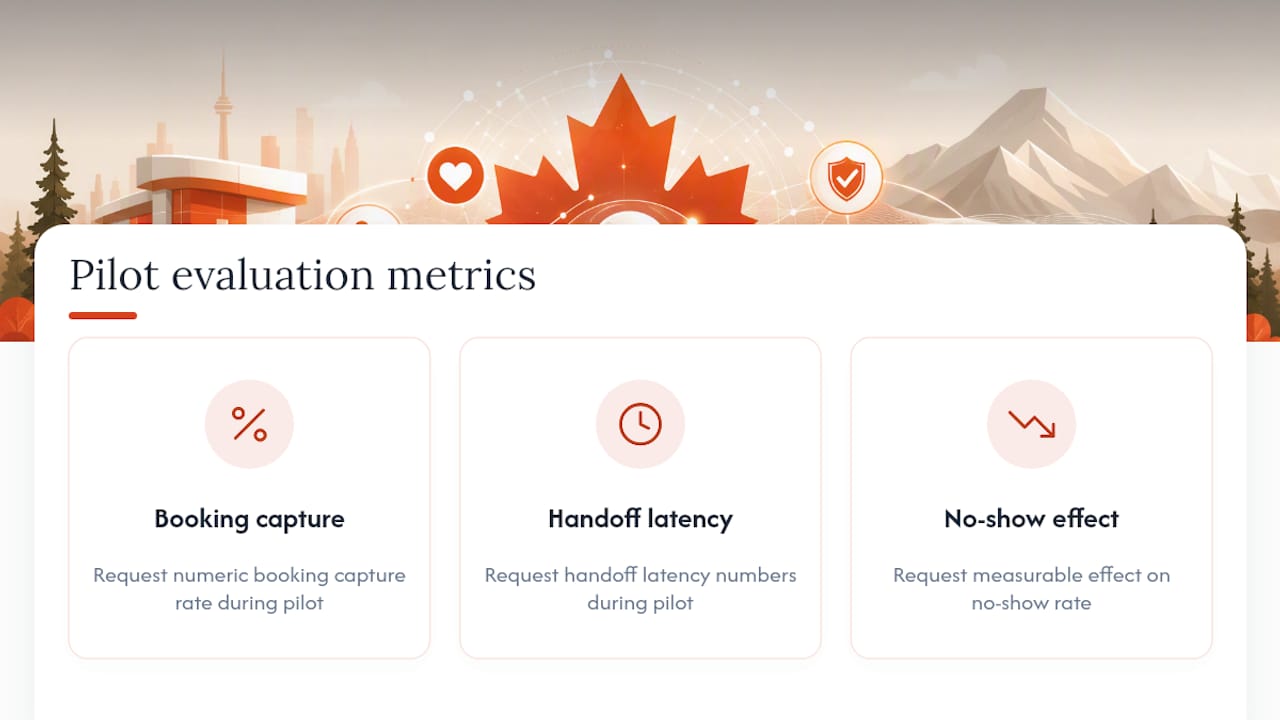
On the pilot: Before you commit past a trial, request numbers on booking capture rate, handoff latency, and the measurable effect on your no-show rate.
Pro Tip: Run your pilot during your slowest week, not your busiest. You want to catch integration bugs before they cost you a fully booked Monday.
What’s the Implementation Timeline and Typical Cost?
Budgeting for an AI receptionist means understanding what drives the price and the calendar, not just the sticker figure.
- Discovery. The vendor maps your call volume, common intents, and existing systems.
- Integration. Your calendar, EHR, and phone lines get connected. This is the step that determines most of your timeline.
- Workflow setup. Escalation rules, intake fields, and appointment types get configured for your specialty.
- Shadow testing. The AI runs alongside your existing process before taking live calls solo.
- Go-live. Vendors including Claire commonly advertise a two to four week window from integration to live calls when connectors already exist.
Pricing tends to follow one of three shapes: per-call tiers, flat subscription seats, or a blended model. What moves the number most is your call volume, how many locations you’re running, and how much custom EHR work the integration requires. Budget time for staff training too. The tool only pays off once your team trusts it enough to stop double-checking every booking.
What Does the Evidence Say About AI Receptionists in Practice?
The case for automating the front desk rests on one recurring number: most clinic calls are not complicated. They’re a patient asking to move a Thursday appointment to Friday, or asking what time the office closes.
Deep, real-time integration with scheduling and EHR systems is what separates a receptionist that actually reasons against your calendar and payer rules from one running a rigid script that breaks the moment a patient asks something unexpected.
That distinction, drawn from Zocdoc’s analysis of AI medical receptionists, is the single biggest predictor of whether a deployment succeeds or frustrates your staff within a month. Vendor-reported outcomes, like reduced call abandonment and fuller booking calendars, should be read as claims from companies selling the technology. They’re a useful signal of what’s possible, not an independent guarantee for your specific clinic.
A 30-Day Checklist Before You Commit to Anything
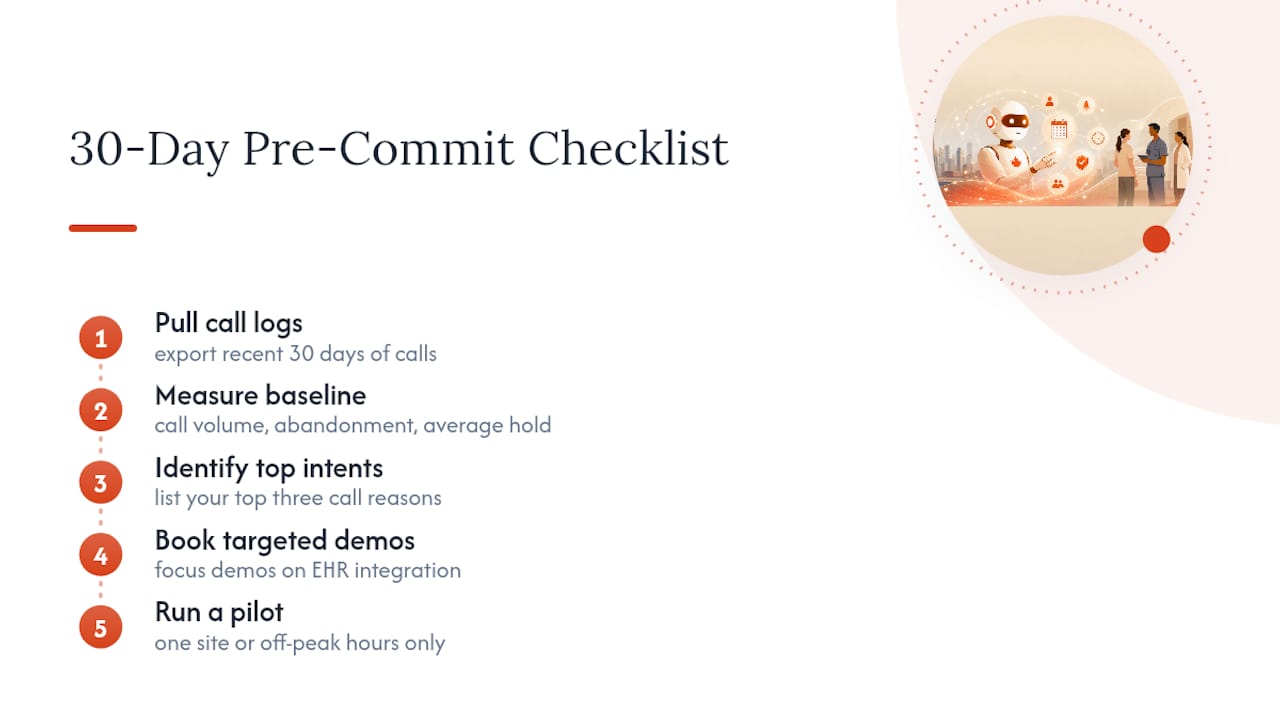
Before evaluating a single vendor, pull your own call logs. Measure your baseline: call volume, abandonment rate, and average hold time. Identify your top three call intents. Then book demos that focus specifically on your EHR integration, and pilot with one site or during off-peak hours before rolling out clinic-wide.
How Callspace Handles the Healthcare Front Desk
An AI receptionist can answer every call to your clinic around the clock, with real-time transcription that follows the conversation into a warm handoff whenever a patient needs a person, not a script. Such systems may connect to your calendar and practice management system to book, reschedule, and confirm appointments directly, and can be built with compliance features suited to healthcare, including support for handling patient information responsibly.
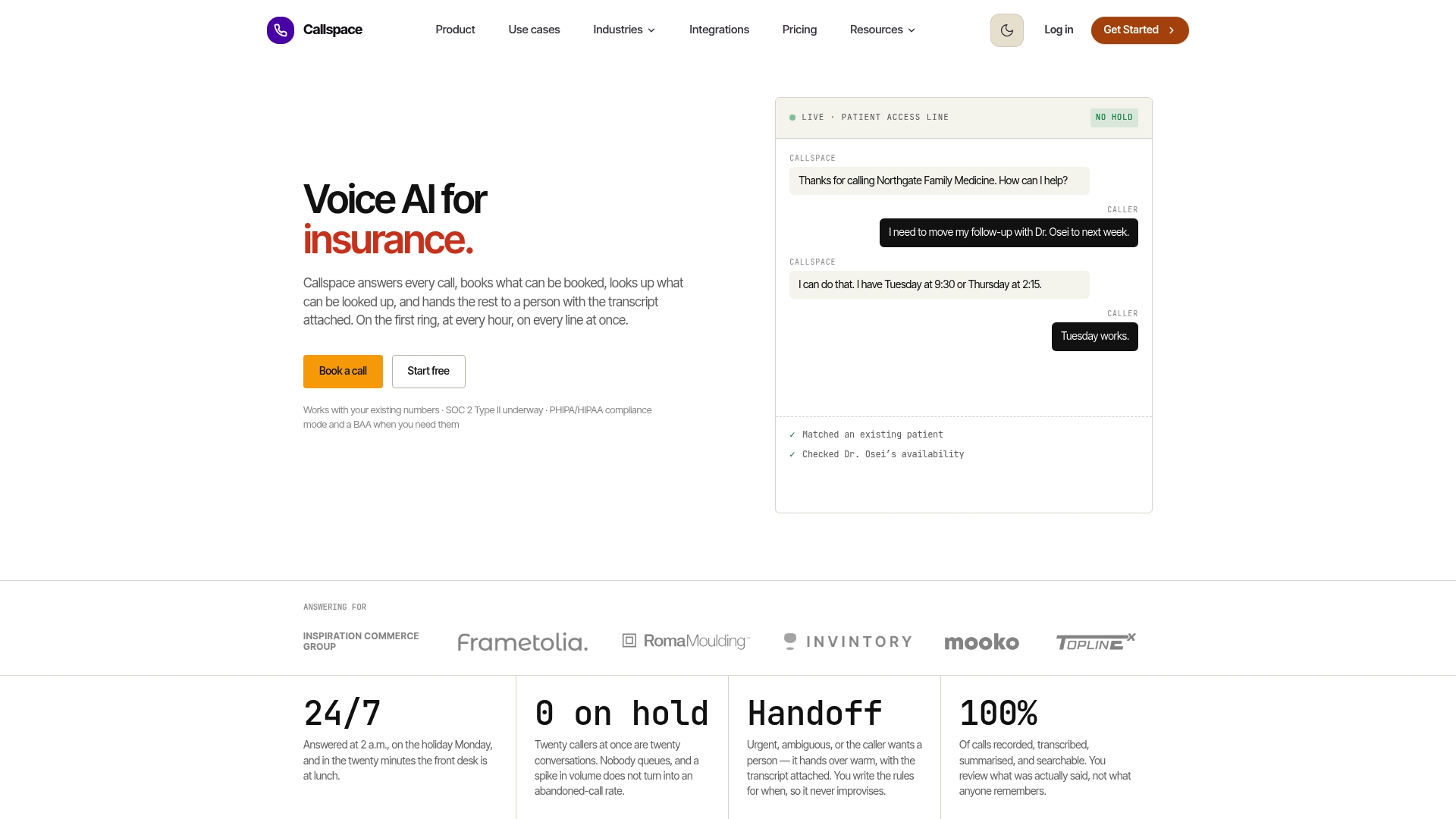
Where a traditional call center adds headcount and overhead just to cover after-hours and lunch breaks, Callspace covers that gap without the staffing math. If your front desk is losing time to routine scheduling calls, the fix isn’t more hires. It’s routing that volume somewhere built to handle it. Visit the Callspace healthcare page to see how a pilot could work for your clinic and get a sense of what a live demo covers.
Sources
- Zo: Never Miss a Call Again with an AI Medical Receptionist - Zocdoc for Providers
- AI Medical Receptionist for Practices | Claire
FAQ
How Much Is an AI Receptionist Worth to a Clinic?
Its value comes from reclaimed staff hours and fewer missed bookings rather than a fixed dollar figure, since vendors report gains in booking capture and reduced call abandonment that vary by call volume and clinic size.
Can AI Replace a Receptionist Entirely?
No.
How Much Does an AI Receptionist Cost?
Pricing typically follows per-call tiers, flat subscription seats, or a blended model, with the final number driven by your call volume, number of locations, and how much EHR integration work is required.
Which AI Medical Receptionist Is the Best for Healthcare Practices?
The right choice depends on your EHR integration needs and compliance requirements, but Callspace is built specifically for regulated settings like healthcare with BAA support, real-time transcription, and warm handoffs to staff.