Cut Hold Time: Privacy First Shopify Phone Automation for Merchants
An implementation-first, privacy first guide for Shopify merchants to automate phone support with live order lookup, compliance webhooks, testing, and a...
Cut Hold Time: Privacy First Shopify Phone Automation for Merchants

Shopify phone support is now automatable for most routine calls: AI phone agents that connect to your store’s order data can answer, verify, and resolve a large share of calls on their own, handing off anything sensitive to a human. We built our platform around that model, and it’s a solid starting point for merchants ready to evaluate one. The rest of this guide covers the approaches, the Shopify integration mechanics, and a launch checklist.
TL;DR:
- Automated Shopify phone support is suitable for high call volumes and after-hours coverage, reducing the need for additional staff during busy periods.
- Integration requires real-time order data retrieval through Shopify Flow or API, with strict compliance to Shopify’s privacy and webhook requirements.
- Proper setup involves defining escalation rules, testing workflows, and ensuring data deletion procedures before fully launching the automation system.
- Higher automation efficiency is achieved when the system handles routine inquiries like order status and shipping estimates, while complex cases are routed to human agents.
- Callspace offers plans starting at $150 per month for basic automated answering and order lookup, with higher tiers available for stores with complex needs.
Table of Contents
- Which approach fits your call volume and budget
- What Shopify integration actually has to do
- Launch checklist: from decision to go-live
- Building workflows that use order data safely
- Testing your setup and reading the first 12 weeks
- How Callspace approaches Shopify phone support
- When automation should lead, and when staff need to stay in charge
- Try Callspace for your store’s phone line
- FAQ
- Sources
Which approach fits your call volume and budget
Before picking a tool, decide how much of the call you actually want automated. The three common approaches sit on a spectrum from cheap and basic to fully automated.
- Click-to-call button: a widget on your storefront that dials your existing number directly. It’s the fastest to set up and costs little to nothing, but it does zero automation. Every call still lands on a human.
- Virtual phone number with routing: a hosted number with an interactive menu that sends calls to staff ring groups, voicemail, or departments. This helps teams split volume and handle after-hours messages, but callers still wait for a person to pick up during business hours.
- AI voice agent with order lookup: a system that answers immediately, pulls order details from your Shopify store, and either resolves the call or warm-transfers it to a staffer with full context already attached. This is the only approach that handles high call volume and after-hours coverage without adding headcount.
For a store doing a handful of calls a day, a call button or a basic virtual number is often enough, especially when supported by tools like the Shopify profit and loss tracker Excel to monitor changes in support costs. Once call volume climbs, especially around promotions or peak shipping seasons, the gap between “a number that rings” and “a system that resolves the call” becomes the real cost driver. That’s the point where an AI voice agent connected to order data starts paying for itself in reduced hold times rather than added staff hours.
What Shopify integration actually has to do
An AI phone agent is only as useful as the order data it can see. When a customer calls asking “where’s my order,” the agent needs to query Shopify in real time, pull the relevant fields, and speak back an accurate answer, not a guess.
That lookup typically runs through Shopify Flow’s Get order data action, which returns a list of orders, up to 100 per query, filtered and sorted by the conditions you set. A phone automation built on this needs to:
- Authenticate against the merchant’s store using the correct API scopes for reading orders and customer records.
- Query Get order data (or the equivalent Admin API call) with the caller’s identifying details, such as order number, email, or phone number on file.
- Return only the fields relevant to the question asked, order status, shipping ETA, or refund state, rather than exposing the full customer record.
- Log the query and response in the call transcript for later review.
Before any of that, the app itself needs to clear Shopify’s own bar. The App Store support requirements specify that every public app must provide at least one support channel, with a support email mandatory and phone support optional, so merchants can escalate issues with the integration itself. Shopify’s admin also shows a Built for Shopify compatibility badge and flags when an app won’t work with a store’s currency, shipping countries, or point-of-sale setup, a quick filter worth checking before you install anything.
A deployment detail worth knowing: apps that touch customer contact information or order history must subscribe to Shopify’s mandatory compliance webhooks, customers/data_request, customers/redact, and shop/redact, and respond to data subject requests within the required timelines. This single requirement is why “connect an AI tool to Shopify” is a privacy project as much as it is a technical one.
Launch checklist: from decision to go-live
Automating phone support on Shopify is less about the AI itself and more about the sequence you follow to deploy it safely. Here’s a workable order of operations.
- Pick your approach and number strategy. Decide whether you’re porting your existing business number into the new system or standing up a new virtual number, and whether staff will still take overflow calls or the AI handles everything during set hours.
- Settle your staffing model up front. Decide which call types always go to a human (refund disputes, account changes) versus which the AI resolves end to end (order status, shipping windows, store hours).
- Update your privacy policy and data handling plan. Document what the phone agent stores, for how long, and how a customer can request deletion. This maps directly to the mandatory compliance webhooks your integration must honor.
- Connect the app and configure order lookup. Grant the necessary read scopes, test the Get order data query against a handful of real orders, and confirm the fields returned match what your scripts expect.
- Define escalation and warm-transfer rules. Set the exact triggers, caller asks for a refund over a threshold, caller becomes upset, caller’s request isn’t in the agent’s permitted action list, that hand the call to a person along with the transcript so far.
- Run a scripted test matrix. Call in as a signed-in customer, a guest checkout, and a non-customer asking an unrelated question, and confirm the agent responds appropriately to each.
- Test the uninstall and redaction flow. Shopify sends the shop/redact webhook 48 hours after a store uninstalls an app that accesses customer data, so confirm your system actually deletes the data it’s supposed to when that signal arrives, not just that it receives the webhook.
- Go live on a limited window first. Route a portion of calls, such as after-hours or a single product line, through the new system before switching everything over.
Pro Tip: Run your uninstall and redaction test before your first live call, not after. It’s the step most merchants skip, and it’s the one Shopify checks for during app review.
Timeframes vary by store complexity. A store with a simple catalog and a handful of order statuses to cover can typically script and test a basic agent in one to two weeks. A store with multiple fulfillment centers, subscription orders, or multilingual support usually needs three to six weeks to account for the extra branching logic and testing. Cost bands follow the same pattern: lower-volume stores can often run on an entry-level plan, while high-volume stores with complex escalation needs usually need a plan built around team-based routing and more concurrent call handling.
Building workflows that use order data safely
A phone agent’s usefulness comes down to whether its workflows match what customers actually call about, and whether it knows when to stop and hand off.
- Order status and shipping ETA: the most common call type. The agent looks up the order, reads back status and estimated delivery, and offers a tracking link by text if asked.
- Returns and exchanges: the agent can start the process and explain the policy, but approval for refunds above a set amount should route to a human.
- Appointment or callback booking: for stores that also handle service requests, the agent books a slot and confirms it, similar to how AI phone answering works for catering services when confirming event details by phone.
- Account changes: anything touching payment details or shipping address should require stronger identity verification than order lookup alone provides.
Identity verification matters more than it might seem. Shopify’s own chat settings require customer sign-in before a conversation links to an account record, and the same logic applies to voice. A reasonable default is to treat order lookup as read-only unless the caller can confirm order number plus email or phone on file, and to require a stronger check before the agent takes any action that changes an order.
Every call should be recorded and transcribed, both for quality review and to give human agents full context the moment a call transfers to them. Set a retention window that matches your privacy policy rather than keeping transcripts indefinitely.
A few numbers worth tracking from day one, covered in more depth below: containment rate (percentage of calls the AI resolves without a transfer), transfer rate, average handle time, caller satisfaction, and answer rate. None of these have an industry-standard benchmark we can cite here, so the right move is to baseline your own store’s numbers in the first few weeks and improve from there.
Testing your setup and reading the first 12 weeks
Before any customer reaches the new system, run it through a script matrix that covers the calls you’ll actually get: a straightforward order-status request, a caller who gives incomplete information, someone who isn’t a customer at all, and a scenario designed to trigger escalation. If the agent handles all four without confusing a non-customer for a buyer or mishandling a partial order number, it’s ready for limited live traffic.
Once live, track performance weekly rather than waiting for a monthly report. A rough framework:
| Week | Focus | What to check |
|---|---|---|
| 1-2 | Baseline | Containment rate, transfer rate, answer rate on real calls |
| 3-4 | Script refinement | Common failure points from transcripts, missed order lookups |
| 5-8 | Workflow expansion | Add returns or booking workflows once order-status is stable |
| 9-12 | Steady state | Compare AHT and CSAT against your own week 1-2 baseline |
Transcripts are the most useful tool you have during this period. Reading through failed or transferred calls reveals patterns, a phrasing customers use that the agent doesn’t recognize, an order type it can’t query correctly, that scripted testing alone won’t surface. Treat the first 12 weeks as a tuning period, not a launch you can walk away from.
How Callspace approaches Shopify phone support
Our platform is designed to answer calls instantly, with no hold queue, and to pull order details mid-call rather than asking the customer to repeat information a human agent would have to look up anyway. For Shopify merchants specifically, that means a caller asking about a shipment gets a real answer from their own order record, not a generic “let me check and call you back.”
- 24/7 answering: calls get picked up around the clock, including overnight and during traffic spikes from promotions.
- Order lookup during the call: the agent queries order status, shipping details, and related fields live, the same mechanism described in the integration section above.
- Warm transfers with full context: when a call needs a person, it hands off along with a transcript so the staffer isn’t starting from zero.
- Transcription and QA on every call: every interaction is recorded and reviewed, which also supports the kind of root-cause analysis covered in the testing section.
For merchants in regulated categories that also run Shopify storefronts, such as clinics or insurance-adjacent sellers, platforms like this support compliance features built for PHIPA and HIPAA requirements, which map to the same data-handling discipline that Shopify’s own compliance webhook requirements demand of any app touching customer data.
Pro Tip: If you’re evaluating a phone automation vendor, ask specifically how they handle the shop/redact webhook after an uninstall. It’s a detail that separates a compliant integration from one that just looks compliant.
When automation should lead, and when staff need to stay in charge
The honest answer is that automation should own the predictable, high-volume calls and staff should own anything with judgment involved. Order status, shipping windows, store hours, and simple return policy questions are repetitive enough that a well-built agent handles them as well as a person, often faster, because it isn’t juggling three other calls at once.
Where automation should step back: refund amounts above a set threshold, a customer who’s upset or escalating, anything touching payment or account security, and edge cases the script wasn’t written for. Routing these to a human isn’t a failure of the system. It’s the system working correctly.

Launches and promotions deserve their own plan. Call volume spikes predictably around sales events, and the temptation is to assume the AI absorbs all of it. In practice, it’s worth scheduling extra staff availability for warm transfers during those windows, since a spike in automated containment still produces a spike in the calls that do need a person.
None of this works without a privacy-first setup from day one: clear data retention limits, a tested redaction flow, and a merchant who actually reads what the integration can see. The accountability for that sits with the merchant, not the vendor, even when the vendor built the tool.
— Sam
Try Callspace for your store’s phone line
If you’ve read this far, you already know the mechanics. What is offered here is the implementation: a phone agent that answers instantly, looks up Shopify orders mid-call, and transfers anything sensitive to your team with the transcript attached, so nobody repeats themselves.
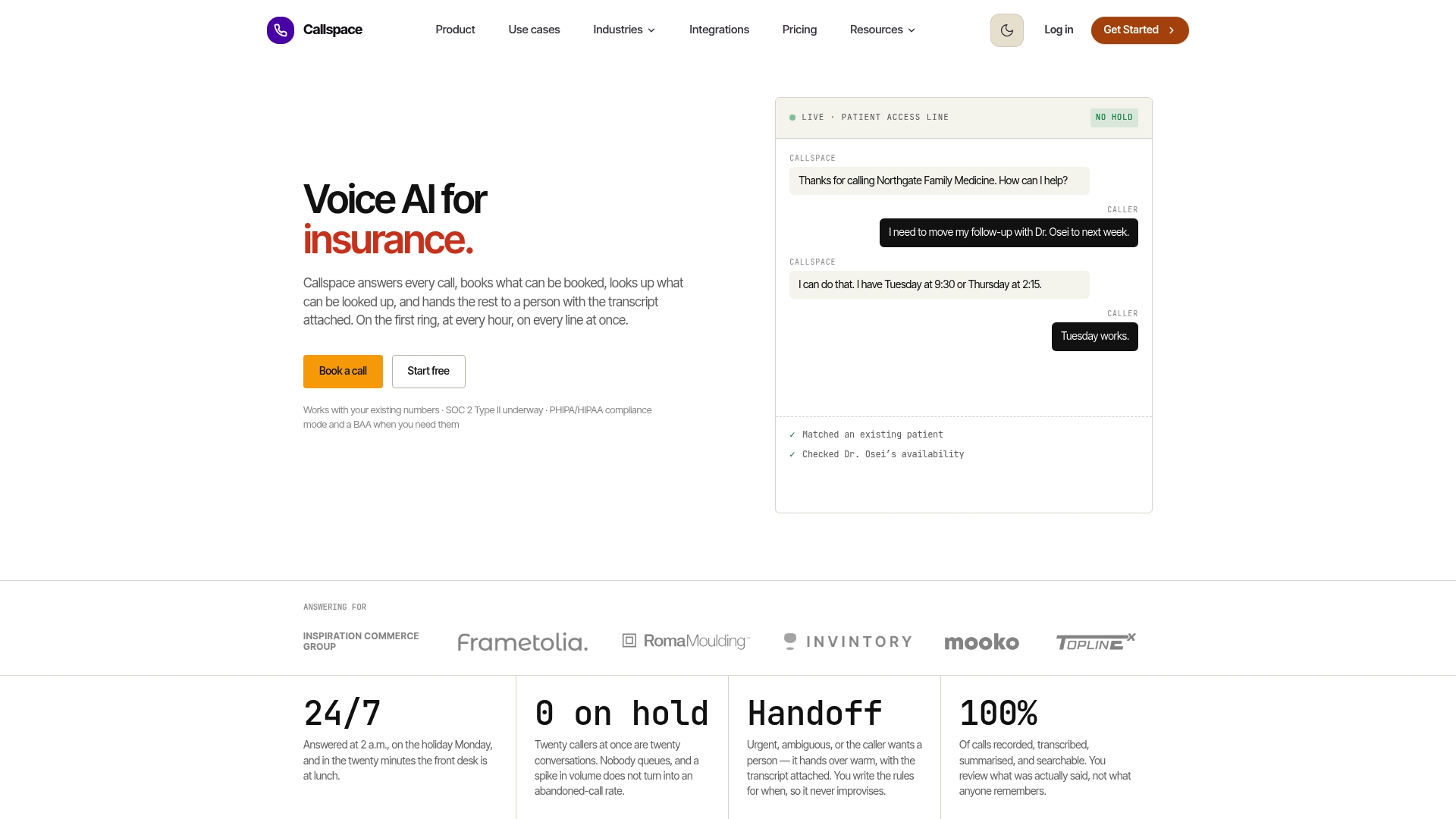
Our pricing page lists two plans. Basic runs $150 per month and covers core automated answering and order lookups for smaller call volumes. Team is built for stores that need multiple staff ring groups and higher concurrent call handling, with pricing available on request.
- Check the pricing page for plan details before you commit to an integration timeline.
- Browse industries we answer for to see workflow examples close to your own business model.
- Reach out to walk through your Shopify setup and get a realistic timeline for your store’s complexity.
FAQ
Does Shopify offer 24/7 live chat support?
Shopify’s native chat tools, like Shopify Inbox, depend on your own staff being available to respond, so coverage outside business hours isn’t automatic. Round-the-clock coverage on Shopify generally comes from a third-party automation layered on top, whether for chat or phone.
How do I automate my Shopify store’s phone support?
The practical path is connecting an AI phone agent to your store’s order data through Shopify Flow’s Get order data action, then defining which calls the agent resolves versus which ones transfer to staff. Most merchants start with order-status calls, since they’re high volume and low risk to automate first.
How can I contact Shopify Partner Support?
Shopify requires every app in its store to list at least a support email, as outlined in its app support requirements, so the fastest route is usually the “Get support” link shown in your admin next to the installed app. For issues with Shopify itself rather than a specific app, the Shopify Help Center is the starting point.
What should I look for in a phone support tool for Shopify?
Look for order lookup that pulls real data during the call, not just a scripted menu, plus warm transfers that carry context to a human agent when needed. Confirm the tool handles Shopify’s mandatory compliance webhooks correctly, since that affects how customer data is handled after an uninstall.
How much does it cost to automate Shopify phone support with Callspace?
Our Basic plan costs $150 per month and covers automated answering with Shopify order lookup for standard call volumes. Our Team plan is priced based on store needs and is available on request.