Integrations
Connecting Shopify
Let your agent answer "where's my order?", change a shipping address, cancel an order, and look up products.
Updated
Most calls to a store are the same handful of questions, and nearly all of them need the order in front of you. Connected to Shopify, your agent identifies the caller by the number they’re ringing from, finds their orders, and handles the whole conversation without anyone opening the admin.
During a call it can:
- Find the caller’s orders by phone number, or by an email or order number they give.
- Read out status, tracking, and items for a specific order.
- Change the shipping address, but only while the order can still be changed. It reads the new address back and waits for a clear yes.
- Cancel an order, again only while that’s still possible, and only after confirming the order number aloud. Cancellation can’t be undone.
- Answer product questions — price, description, sizes and colours, what’s in stock.
- Add the caller to your marketing list, only when they’ve explicitly said yes and spelled out their email.
Shopify isn’t a booking provider, so it runs alongside a calendar rather than instead of one.
Before you start
You need to be able to install apps on the store. Callspace asks for read and write access to orders, customers, and order edits — writes are what make address changes and cancellations possible.
Have your store domain to hand: the your-store.myshopify.com one, not your
custom domain.
Connect it
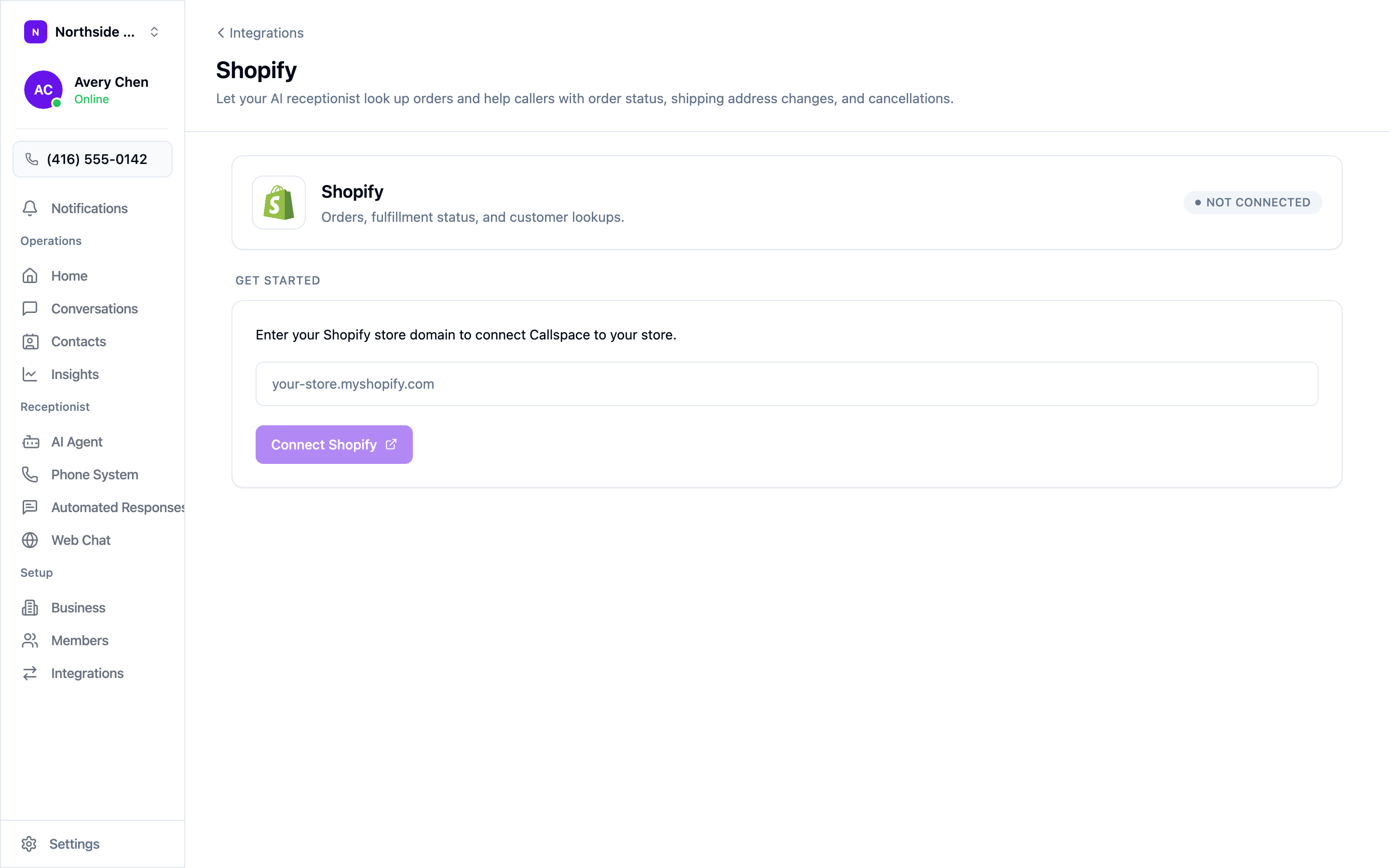
Open Settings → Integrations, choose Configure on the Shopify tile, enter your store domain, and choose Connect Shopify. Shopify asks you to approve the access; once you do, you land back on a screen showing the connected shop, the access granted, and when Callspace last synced.
That’s the whole setup. There’s nothing to switch on afterwards — the tools reach your agent as soon as the connection is live.
How callers are matched to orders
Your agent matches the caller to a Shopify customer by the number they’re calling from. When there’s no match, it doesn’t guess: it offers to take a message instead, and you get the details in your inbox.
Callers ringing from a different number can give the email or order number on the order. Before it changes or cancels anything, your agent re-checks that the order really belongs to the person on the phone.
Test it
Call your own number and ask about a recent order — ideally from the phone number on that order. Check that the status and tracking it reads out match the admin. If address changes matter to you, test one on an unfulfilled order and confirm your agent reads the address back before saving it.
Disconnecting
Open the Shopify screen and choose Disconnect under Danger zone. Your agent loses access immediately; your store, orders, and customers are untouched.