Calls & messages
Automatic replies to texts and missed calls
Set the text that goes out when someone messages you or you miss a call.
Updated
Auto-replies are the safety net for the moments nothing else catches — a text that arrives at 11pm, or a call that ends before your agent picks up.
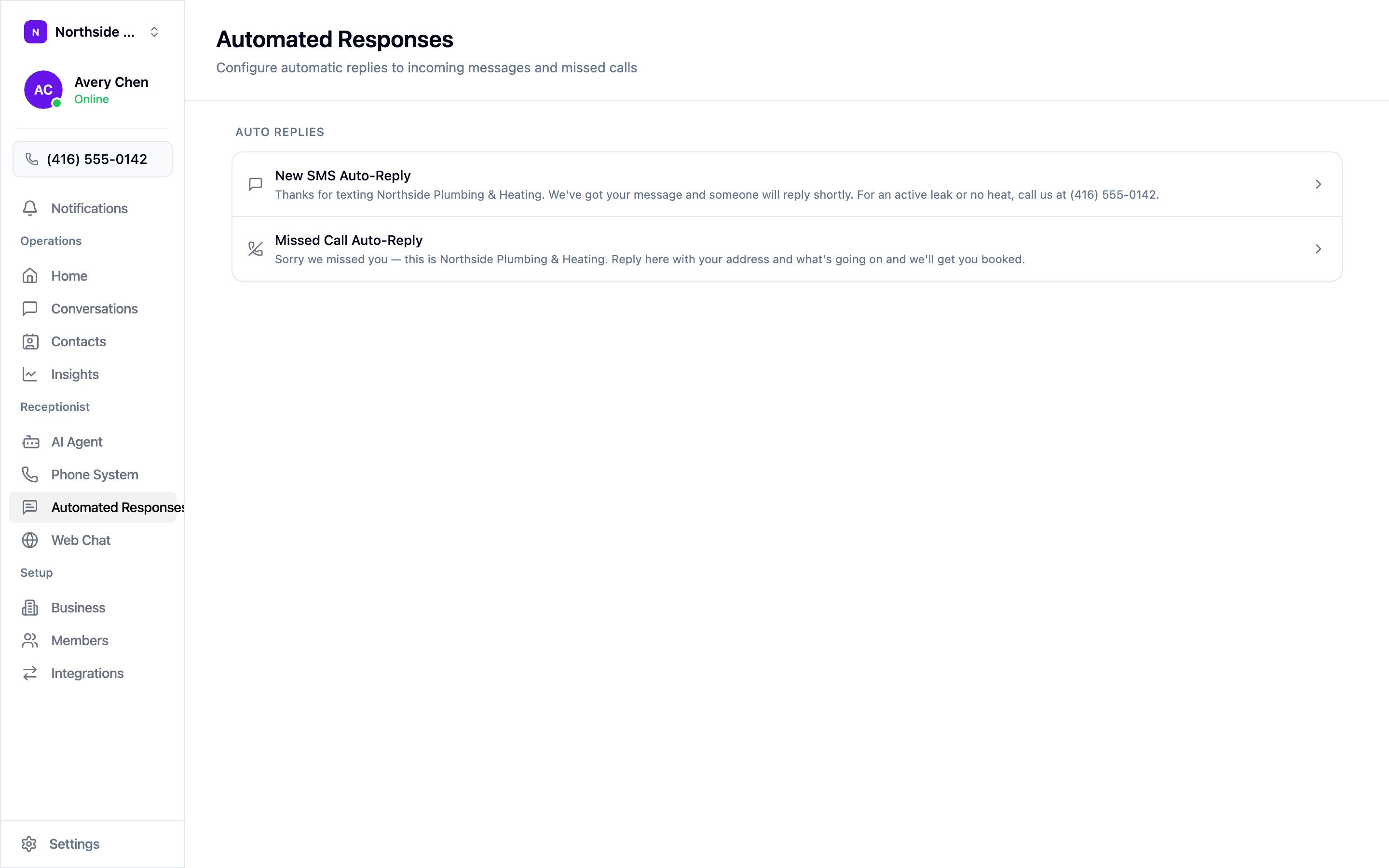
Open Automated Responses in the sidebar. There are two.
New SMS Auto-Reply
Sent when someone texts your number for the first time in a conversation. Its job is to confirm the message arrived and set expectations:
Thanks for texting Northside Plumbing & Heating. We’ve got your message and someone will reply shortly. For an active leak or no heat, call us at (416) 555-0142.
Note the escape hatch at the end. Someone with a real emergency who happened to text shouldn’t have to wait for a reply to find out they should have called.
Missed Call Auto-Reply
Sent when a call comes in and isn’t answered. Its job is to keep the lead alive by moving them to a channel they can use right now:
Sorry we missed you — this is Northside Plumbing & Heating. Reply here with your address and what’s going on and we’ll get you booked.
Asking for something specific works better than “we’ll get back to you”. A reply containing an address and a problem is a job you can book; “call me back” is another round of phone tag.
Writing them well
- Name your business. People text several trades in a row and forget who they messaged.
- Say what happens next, and give a rough timeframe if you can keep to it.
- Keep it to a couple of sentences. These arrive as text messages.
- Ask for one thing. A single clear question gets answered; three get ignored.
Select a reply to edit it, then save. Test both by texting your number from your own phone and by letting a call ring out.